Moving mountains, exactly with Servos, but first, a Library (13)

This works on the WeMos Mini. It should work on the Digispark, however, the servo is sporadic, indicating that there might be issues with the ability of the timer to keep up. Servos are extremely useful for positioning. They also don’t draw that much power and don’t require external chips to run, so they’re a good way of getting an introduction to motors. Servos have three pins and they correspond to power, ground, and data. We will be using a micro servo known as the SR92, which goes a 180 degrees. It doesn’t have a great degree of precision, but it is sufficient for our purposes. ...

December 14, 2016 · 5 min

Just pile it on (More LEDs) (12)

It starts to get messy if you want to add more than 3 LEDs to your project because each LED requires a pin. While there are one wire protocols that make this a much simpiler task, what if you really really wanted LEDs in your project? Well one solution would be to use external logic to solve this problem, much like how 1 wire protocols work, but in this case, we will be using three wires to control 8 LEDs. ...

December 13, 2016 · 5 min

Time, counters, and other shenanigans (11)

Microcontrollers are not really good at keeping time, no really. Over long periods of days or weeks of continuous running, they start to lose seconds and minutes. That’s why we have Real Time Counters (RTC) to help us keep time. They are microcontrollers as well, but their sole purpose is to help your main microcontroller keep time so that it can aspire to greater things, like an alarm clock or an automated cat-feeder. ...

December 11, 2016 · 4 min

Analog circuit kit

I was browsing the web the other day and I came across this project by Nick Ames. It is an electronics lab within an Altoids tin and how cool is that? I really like small, portable, and above all electronics projects and this seems like just an absolutely lovely way to teach people about analog circuits. In the comments, someone was asking if he could provide a tutorial to use the items in the kit, however, there was no reply. I think this would be a pretty cool project to work on and items can be incrementally added as the project grows. ...

December 7, 2016 · 3 min

Acer C720 is my favourite computer

I spend a lot of time with my computer, and it goes with me wherever I go. After having the privilege of testing out a number of different computers, I have come down to a few considerations: Battery Life Weight Ability to run Linux Cost I found it especially annoying to carry about a power brick to power my laptop, and having to find outlets all the time. This limits the places where I can work and gives additional, unwanted stress of seeing how low the power is all the time. ...

November 28, 2016 · 5 min

Getting Dropbox to work (Linux permissions error)

Sometimes you might face a permissions error and reinstalling and uninstalling dropbox doesn’t work. This even happens when you use sudo to run the dropbox daemon. It starts installing, unpacking, and then… nothing. You don’t even get a prompt to link your account to Dropbox. Launching from the command line results in an error. Well, if you are using Thundar or any other file manager, this might be because Dropbox is dependent on Nautilus to run. I am running crouton on a chromebook and this was tried on xenial and jessie distributions. ...

November 27, 2016 · 1 min

Create a WebServer (10)

With the ESP8266 it was hinted earlier that it can host a web page, and this guide serves as a quick breakdown of how to create a server that serves up webpage. This can also be found as a sketch under Examples. This tutorial assumes that you have some knowledge of HTML. We start by including libraries: #include <ESP8266WiFi.h> #include <WiFiClient.h> #include <ESP8266WebServer.h> #include <ESP8266mDNS.h> Two of these might be familiar to you, the other two might not be. ESP8266WebServer.h is a library that helps us to set up a web server on our ESP8266 module. ESP8266mDNS.h is a library that allows us to receive and manage DNS requests. Now we create an object for DNS, and write in the credentials for our network: ...

November 20, 2016 · 2 min

OLED, I2C (9)

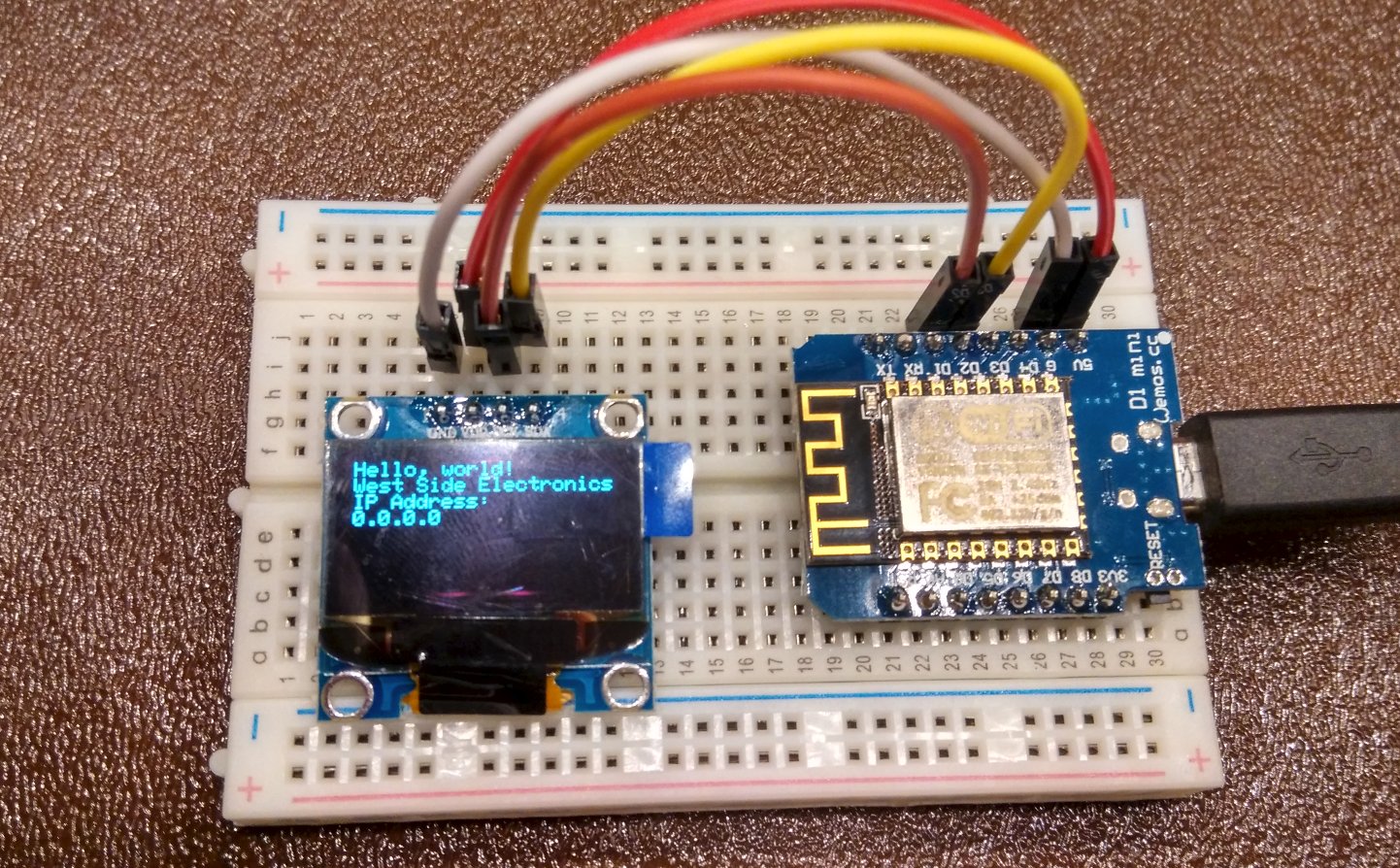
Inter-integrated Circuit (I2C) is a communication protocol that is used to connect many embedded devices. In our case, we are going to use it to connect an Organic LED (OLED), a tiny screen for more display goodness. Assuming that you ordered your chip from someplace else (Aliexpress/Ebay), you might not be able to find documentation for this module. Alongside serving as a tutorial for the ULCK kit, this also serves as a guide to getting most OLED modules to work with other platforms. ...

November 19, 2016 · 2 min

Fun with Addressable LEDs (8)

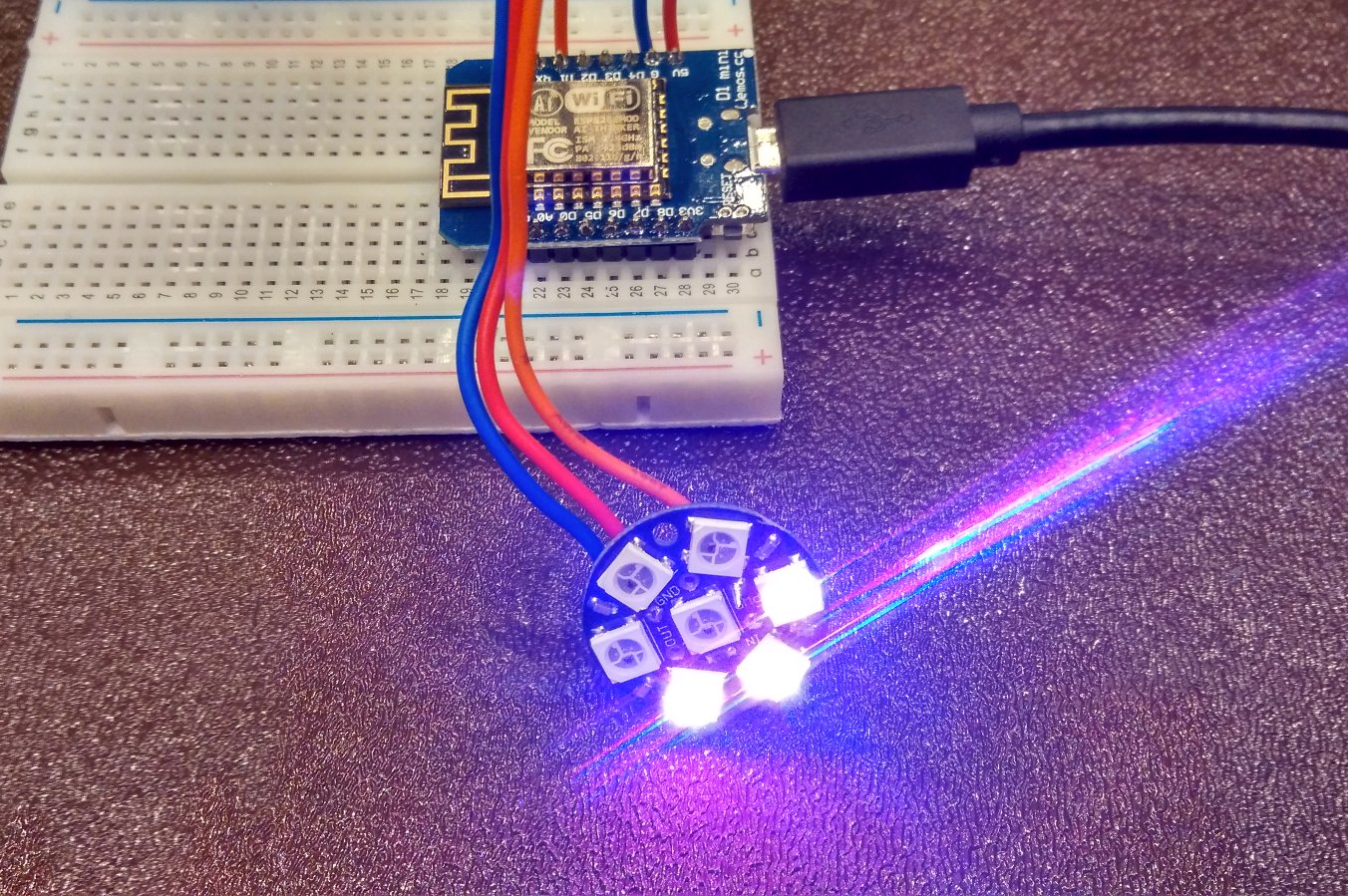
This tutorial can only be done with the Lighting Add-On pack. The another great thing about the 5050 LED chip is that when you chain them up (yes you can chain them up!), you can address each of them using the same data line. This means that if we connected say 4 LEDs in a row, I’d be able to say “Hey Third LED, turn yellow.” This works the same for 2, 10 or 200 LEDs. So instead of having all your LEDs change the same color, you can have chasing lights, displays…etc all within the same data line (after taking into account the current a large number of LEDs need!). ...

November 19, 2016 · 2 min

Uploading without wires (7)

This tutorial is only for the ESP8266 chip. If you have a ESP8266 chip, we have merely used 5% of this chip’s total capabilities. The ESP8266 chip can both connect to Access Points (AP) and also set up a soft AP, which cleans that it can serve as both a client and router. On this router we can serve up webpages to control what we want the chip to do. One very useful method to interface with your chip over wifi is Over The Air (OTA) updates. ...

November 19, 2016 · 3 min