BreatheDot: A Portable Battery-Powered Meditation Aid

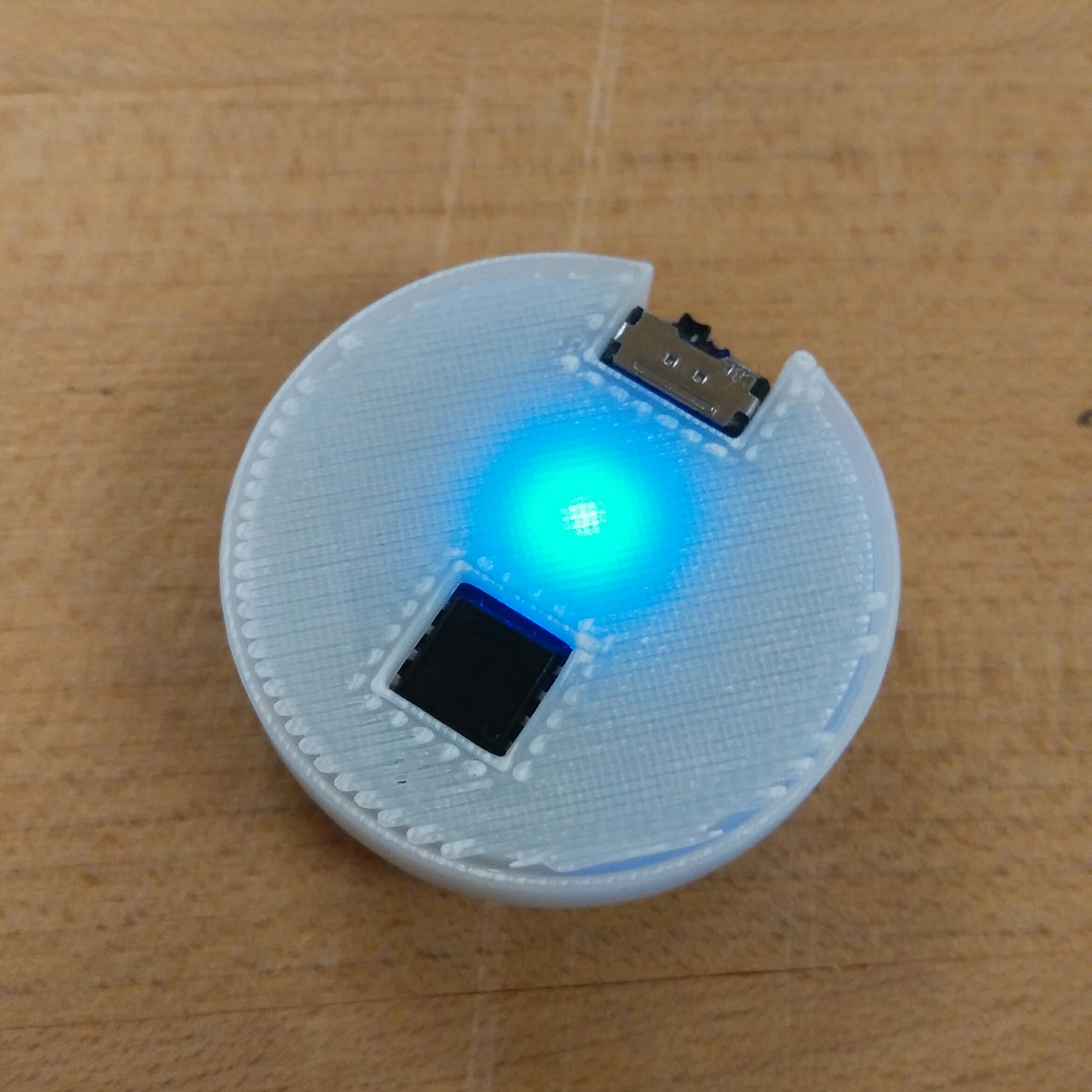
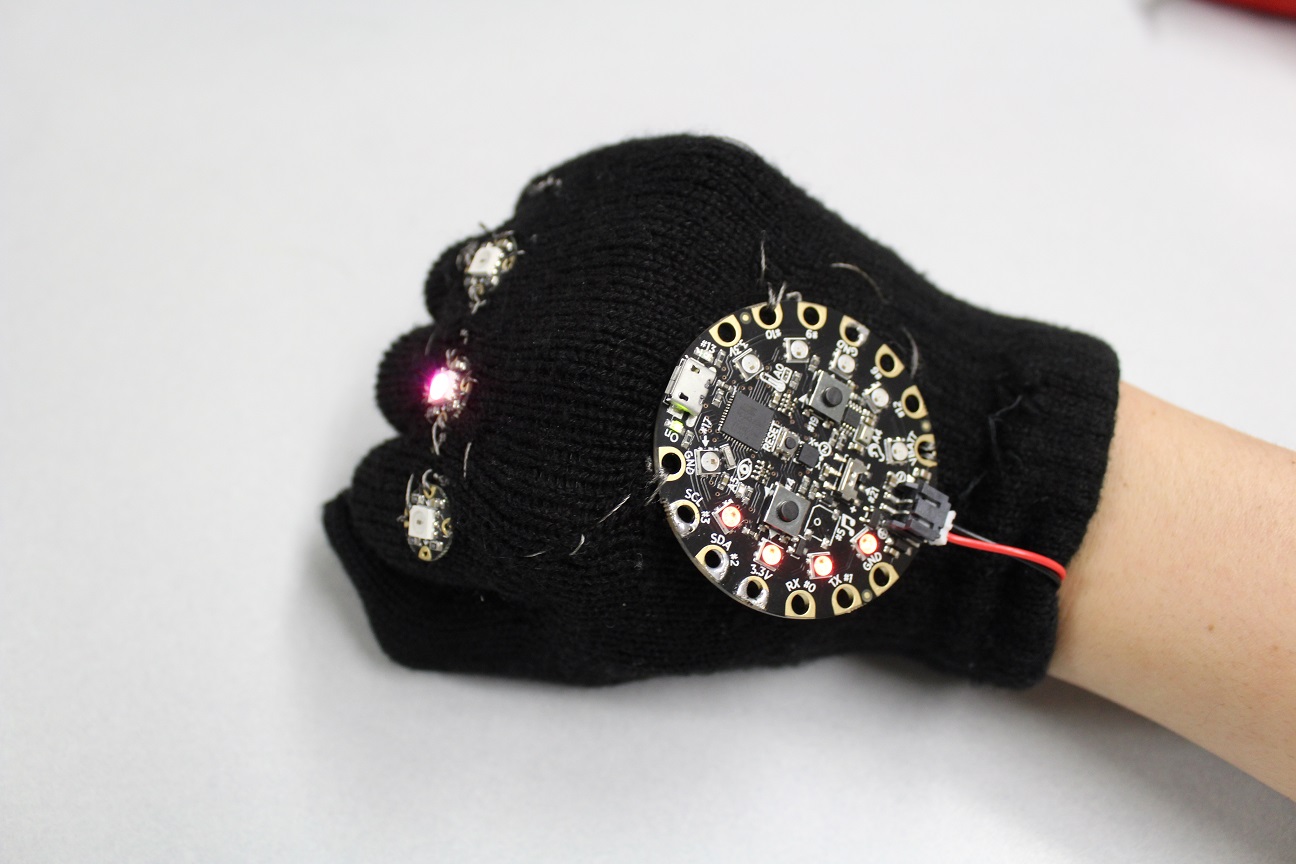
Calm down, refresh, and focus with this little tool. A Hackaday Prize Finalist! Background There is a class at the university that teaches the basics of how to go from concept to design for an electronics project, from the breadboarding, to the soldering, and the manufacture and debugging of a PCB. As it is with nearly all electronics projects, a blinking LED is the always the first port of call, a test of your basic understanding of the device. So I designed a flasher, which evolved into a device to assist anxiety, and won a Hackaday Prize. ...

March 18, 2017 · 6 min

The Headcrab Project (taking control of another circuit)

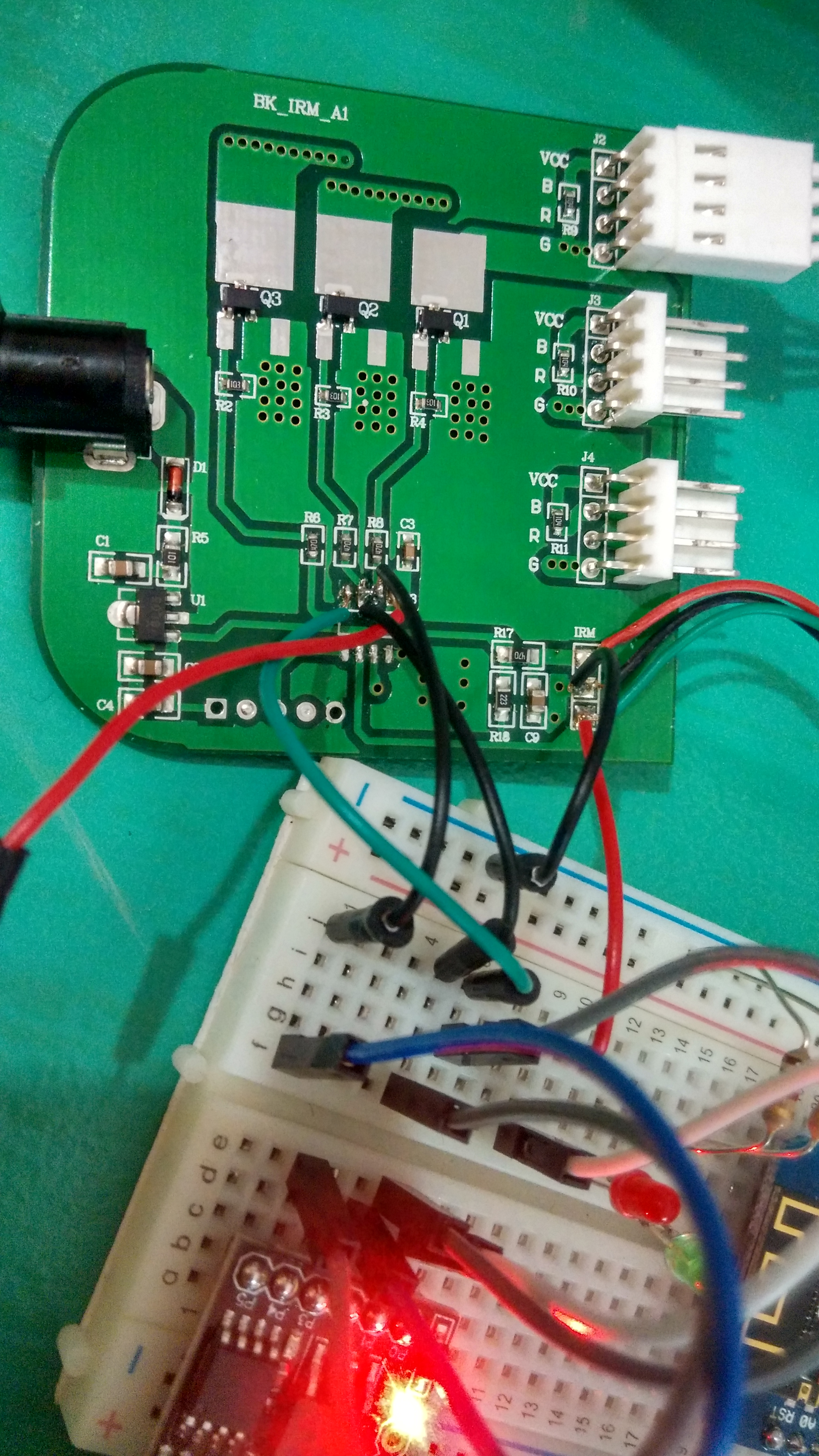
So, this week I managed to get my hands on one of these (recycled): Figure 1. 3-Light LED RGB Puck Light Kit This is sold in Home Depot for about $30. However, the one that I salvaged did not have the remote, so I was unable to switch it on. I tried an IR remote that I had, just on the off-chance that they shared the same protocol, but no luck. Going off on a tangent here, I feel that Arduino starter kits are amazing for spare parts, but not so fun if you are learning Arduino. ...

February 19, 2017 · 4 min

Webroots 1: OTA updating and Interrupts

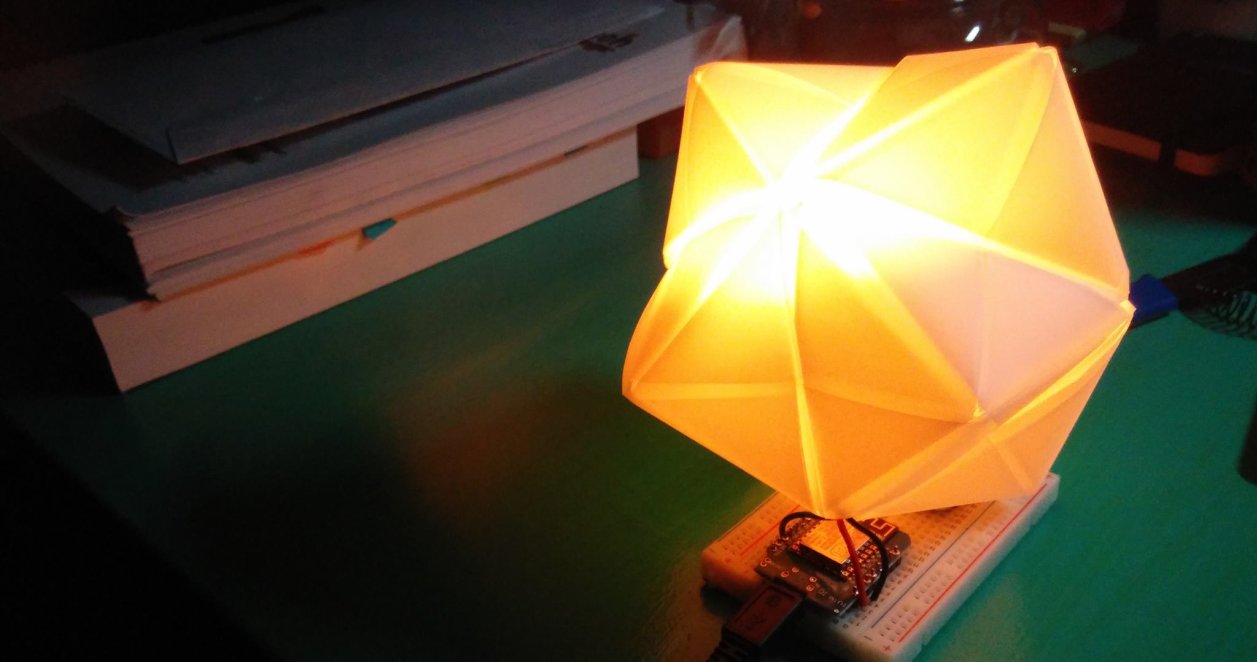
In this series of tutorials, we will utilize the wifi-capabilities of the ESP8266 chip and talk to the internet. We will first enable the Over-The-Air ability of our ESP8266 chip for future convenience. Please select your board under Tools > Board. Plugging and unplugging the ESP8266 can be a hassle especially if you want to use it with a power source that is not your computer. Fortunately, the ESP8266 comes with an ability to update itself Over-The-Air (OTA). What this means that the board connects to an Access Point (AP) also known as your router, and awaits instructions. Think of it as an invisible USB cable that is connected from your computer to your board via WiFi. ...

February 10, 2017 · 8 min

Lightbeans Part 3, Making the Night Light, Functions

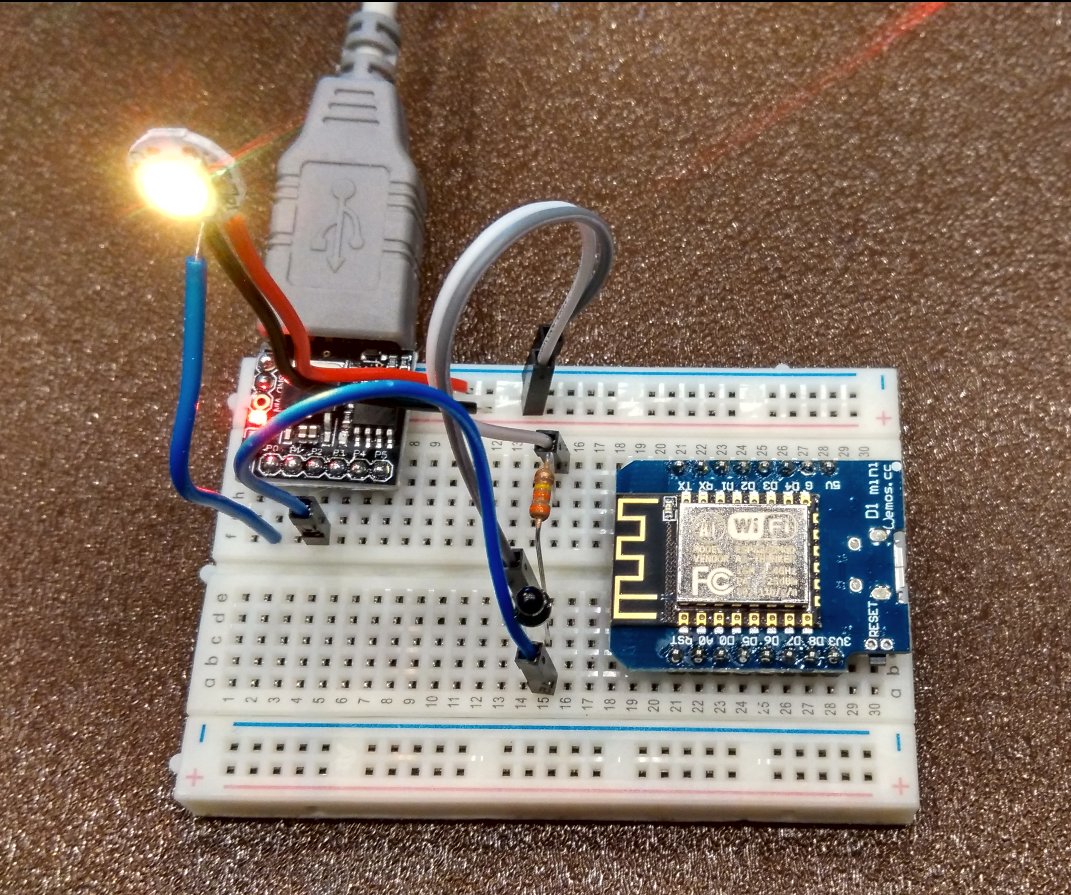
Now you’ve got all the tools you need to make the nightlight. Use a sensor to detect when it is dark Light an LED when it is dark Turn off the LED when it is bright This is the basic requirement for making a nightlight. I suggest using the RGB led with a subtle fading effect to make a more pleasant to look at. You might also want a diffuser such as a ping pong ball, or some kind of frosted glass enclosure to diffuse the light. ...

January 30, 2017 · 5 min

Lightbeans Part 2, Sensors and Libraries

Often when we build devices we want them to react to the external environment. This means we have to implement some sort of sensor to detect the changes. In this case we’ll build a simple light detector. To understand this circuit you will need a little electronics background. We like current. Current gives power to lights, motors, speakers, and pretty much everything we need to run. However, resistance is like the ogre that lives under the bridge. Every time somebody wants to pass, it requests a toll. A larger resistance means less current flows and the less bright our LEDs are. The exact equation is: ...

January 29, 2017 · 10 min

Lightbeans Part 1, Programming and Circuits

Lightbeans is a series of new tutorials for the ULCEK kit that is aimed at new users. It is a project to make a self-activating night light with the components in the ULCEK kit. Let’s start! First we will learn the basics of Arduino and how to program it. A number of programs are required: The Arduino IDE (required for programming) Board definition installation for the WeMos ESP8266 Driver installation for CH340G (Windows) or CH340G (Mac) ...

January 23, 2017 · 9 min

Progress Report on ULCEK, the second

Some shipping updates, mainly for myself, and some changes to the kit structure. The WeMos finally arrived. Unfortunately they were late. When ordering from China, make sure that it is not urgently needed. While I personally like how open the kit is to interpretation, having an actual project that you can put together might be more useful. Therefore, while the kits will still have their original contents and some: the addition of USB cables to make programming and startup easier, the kits will also be structured around a project in mind. ...

January 23, 2017 · 2 min

You can't make brown or black with an RGB LED (and other ended projects)

Not with LEDs. You can only make whatever color that is in the color wheel. That is to say only what you can get when you mix red or blue light, or blue with green. Or green with red. That is all. Figure 1. RGB color wheel The best you can do is an orange. Darkening the orange only makes it look like a dim orange. The problem here is that you don’t have black, which is what you really need if you’re aspiring to represent all colors. ...

December 20, 2016 · 3 min

Artificial Assistant

Ever wanted a artificial assistant that you control? Well now you can! With all the api’s floating around, it is extremely simple to build a Siri-like/Alexa device that you can completely program and control in Python. This also avoids the somewhat uncomfortable idea that a company has a listening device in your room. Update 3: The Python Telegram Bot API has been fixed and the dropout no longer exists. Update 2: It appears that this process is growing on its own. I am on my fifth day of working on my digital assistant and there is always something new and exciting you can add. Visualisation, data, music, weather. ...

December 20, 2016 · 10 min

Arduino DIY Sunrise alarm clock

I have trouble waking up on gloomy winter days. Hearing so much about the Philips Wake-Up alarm made me wonder how hard it was to build one given its rather high price. Turns out, it wasn’t very hard or expensive. I’ve always wanted to build one of these: Figure 1. Philips Wake-Up Light There are many (claimed) benefits to having a Sunrise or Wake-up light, one of which includes a gentler wake-up as compared to the loud buzzing of an alarm in the darkness (true). I noticed that I often would shut off the alarm and go back to sleep, and waking up was kind of rough. ...

December 14, 2016 · 8 min