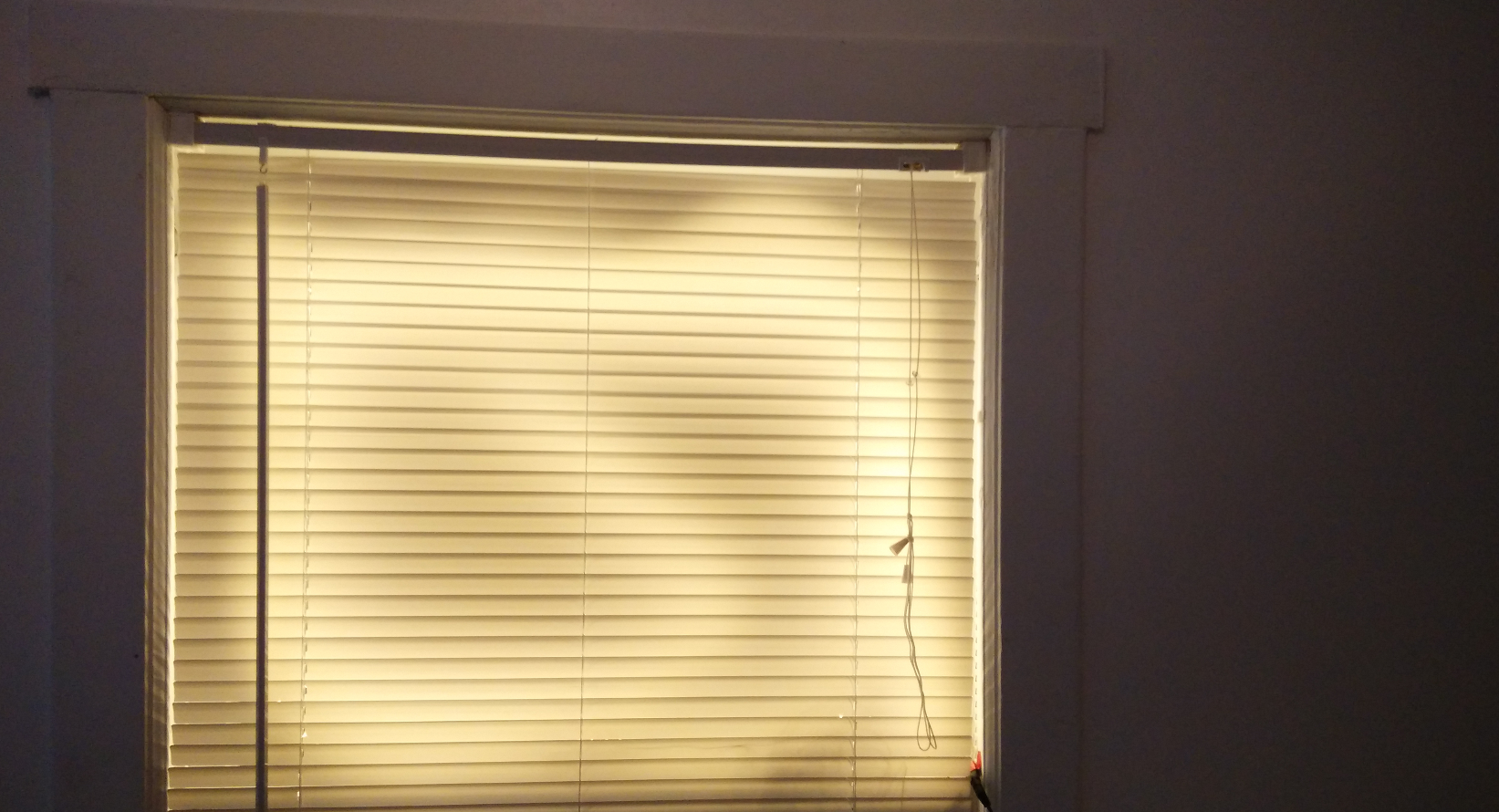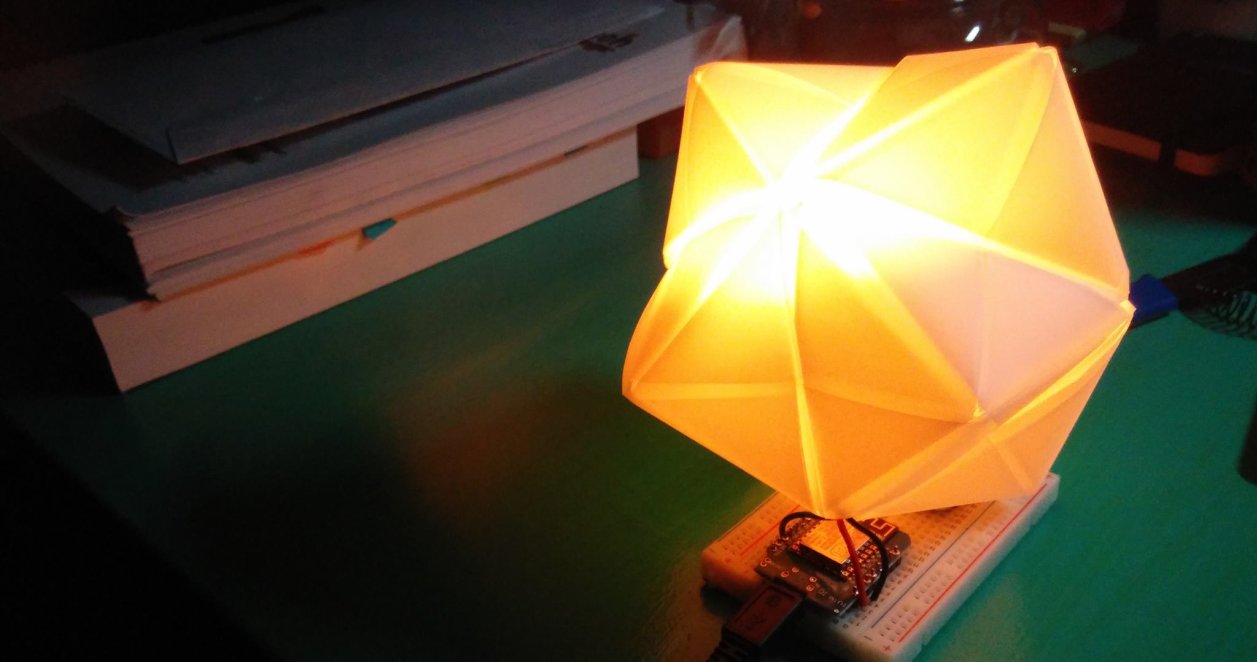
Lightbeans Part 3, Making the Night Light, Functions

Now you’ve got all the tools you need to make the nightlight. Use a sensor to detect when it is dark Light an LED when it is dark Turn off the LED when it is bright This is the basic requirement for making a nightlight. I suggest using the RGB led with a subtle fading effect to make a more pleasant to look at. You might also want a diffuser such as a ping pong ball, or some kind of frosted glass enclosure to diffuse the light. ...
January 30, 2017 · 5 min

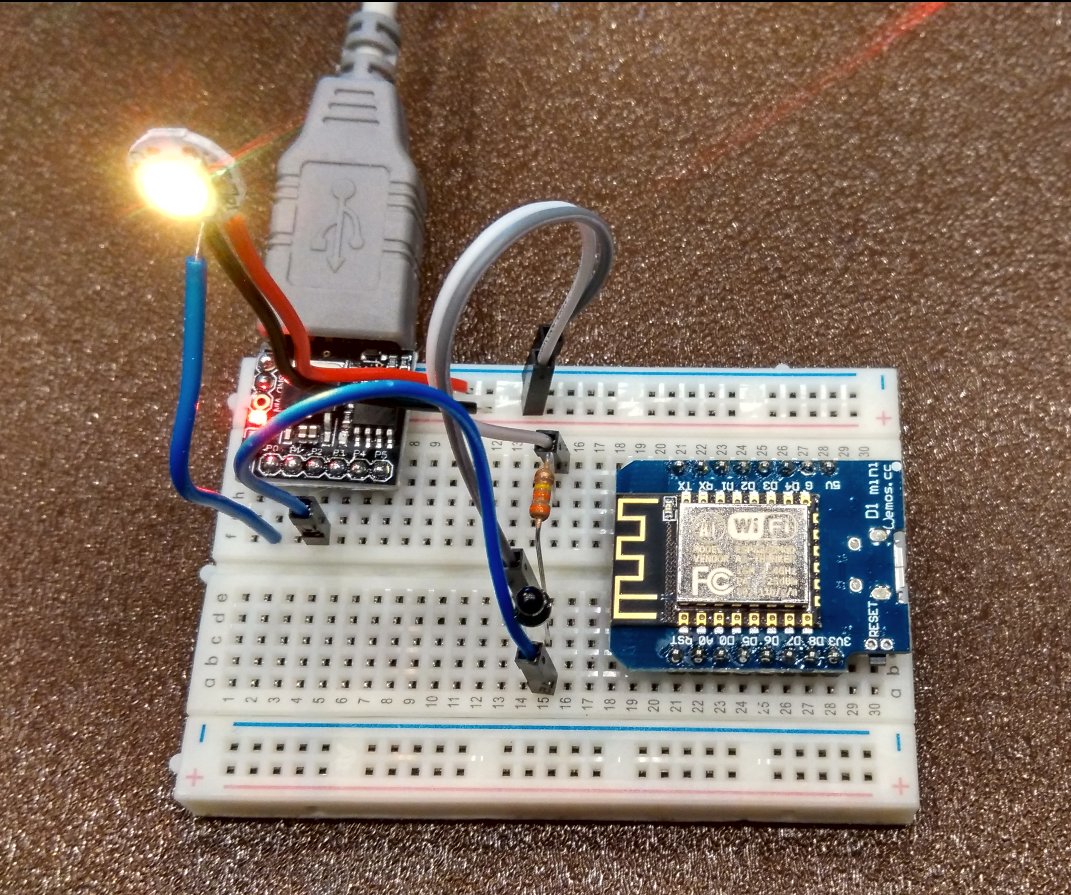
Lightbeans Part 2, Sensors and Libraries

Often when we build devices we want them to react to the external environment. This means we have to implement some sort of sensor to detect the changes. In this case we’ll build a simple light detector. To understand this circuit you will need a little electronics background. We like current. Current gives power to lights, motors, speakers, and pretty much everything we need to run. However, resistance is like the ogre that lives under the bridge. Every time somebody wants to pass, it requests a toll. A larger resistance means less current flows and the less bright our LEDs are. The exact equation is: ...

January 29, 2017 · 10 min

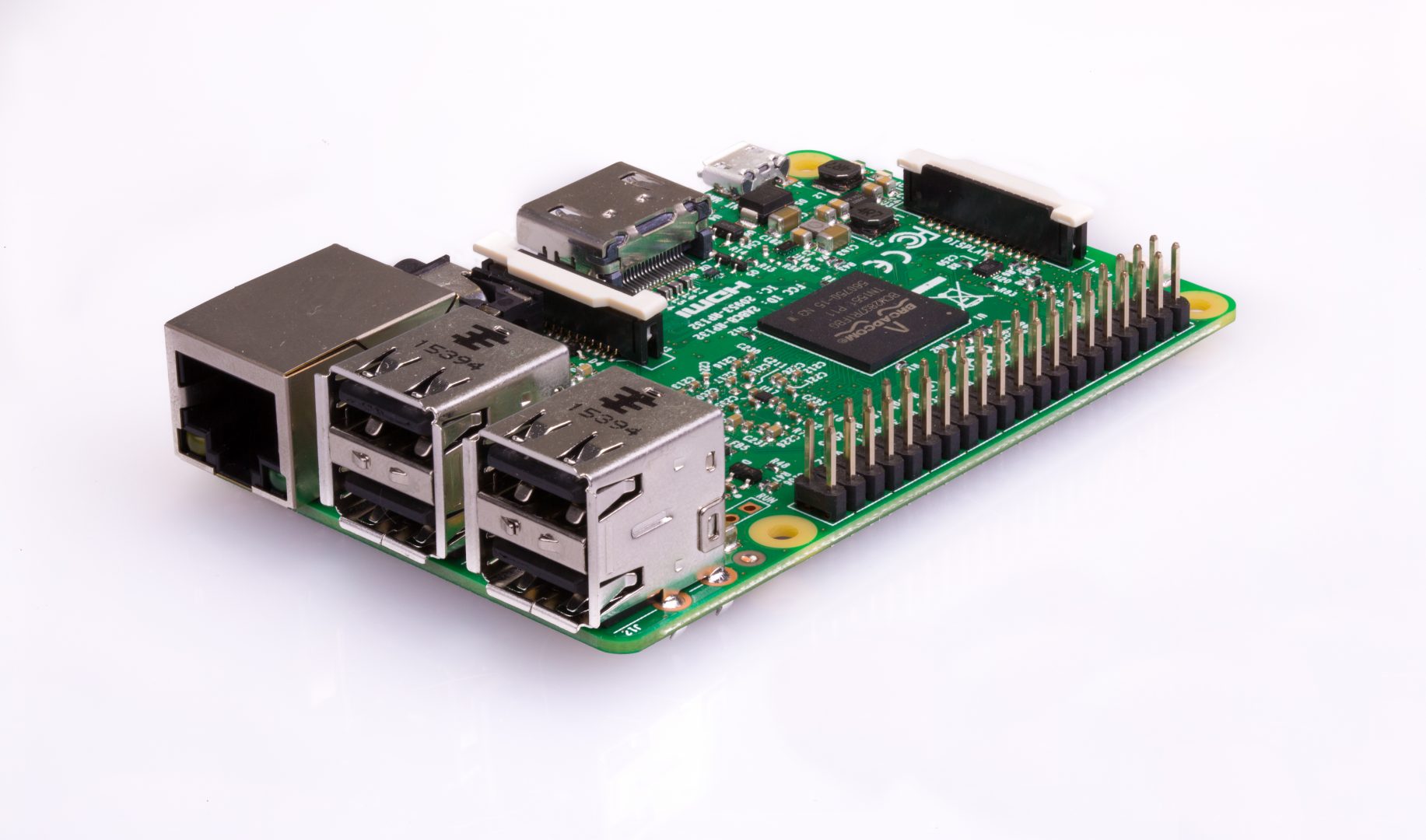
Lightbeans Part 1, Programming and Circuits

Lightbeans is a series of new tutorials for the ULCEK kit that is aimed at new users. It is a project to make a self-activating night light with the components in the ULCEK kit. Let’s start! First we will learn the basics of Arduino and how to program it. A number of programs are required: The Arduino IDE (required for programming) Board definition installation for the WeMos ESP8266 Driver installation for CH340G (Windows) or CH340G (Mac) ...

January 23, 2017 · 9 min

Progress Report on ULCEK, the second

Some shipping updates, mainly for myself, and some changes to the kit structure. The WeMos finally arrived. Unfortunately they were late. When ordering from China, make sure that it is not urgently needed. While I personally like how open the kit is to interpretation, having an actual project that you can put together might be more useful. Therefore, while the kits will still have their original contents and some: the addition of USB cables to make programming and startup easier, the kits will also be structured around a project in mind. ...

January 23, 2017 · 2 min

You can't make brown or black with an RGB LED (and other ended projects)

Not with LEDs. You can only make whatever color that is in the color wheel. That is to say only what you can get when you mix red or blue light, or blue with green. Or green with red. That is all. Figure 1. RGB color wheel The best you can do is an orange. Darkening the orange only makes it look like a dim orange. The problem here is that you don’t have black, which is what you really need if you’re aspiring to represent all colors. ...

December 20, 2016 · 3 min

Artificial Assistant

Ever wanted a artificial assistant that you control? Well now you can! With all the api’s floating around, it is extremely simple to build a Siri-like/Alexa device that you can completely program and control in Python. This also avoids the somewhat uncomfortable idea that a company has a listening device in your room. Update 3: The Python Telegram Bot API has been fixed and the dropout no longer exists. Update 2: It appears that this process is growing on its own. I am on my fifth day of working on my digital assistant and there is always something new and exciting you can add. Visualisation, data, music, weather. ...

December 20, 2016 · 10 min

Arduino DIY Sunrise alarm clock

I have trouble waking up on gloomy winter days. Hearing so much about the Philips Wake-Up alarm made me wonder how hard it was to build one given its rather high price. Turns out, it wasn’t very hard or expensive. I’ve always wanted to build one of these: Figure 1. Philips Wake-Up Light There are many (claimed) benefits to having a Sunrise or Wake-up light, one of which includes a gentler wake-up as compared to the loud buzzing of an alarm in the darkness (true). I noticed that I often would shut off the alarm and go back to sleep, and waking up was kind of rough. ...

December 14, 2016 · 8 min

Moving mountains, exactly with Servos, but first, a Library (13)

This works on the WeMos Mini. It should work on the Digispark, however, the servo is sporadic, indicating that there might be issues with the ability of the timer to keep up. Servos are extremely useful for positioning. They also don’t draw that much power and don’t require external chips to run, so they’re a good way of getting an introduction to motors. Servos have three pins and they correspond to power, ground, and data. We will be using a micro servo known as the SR92, which goes a 180 degrees. It doesn’t have a great degree of precision, but it is sufficient for our purposes. ...

December 14, 2016 · 5 min

Just pile it on (More LEDs) (12)

It starts to get messy if you want to add more than 3 LEDs to your project because each LED requires a pin. While there are one wire protocols that make this a much simpiler task, what if you really really wanted LEDs in your project? Well one solution would be to use external logic to solve this problem, much like how 1 wire protocols work, but in this case, we will be using three wires to control 8 LEDs. ...

December 13, 2016 · 5 min

Time, counters, and other shenanigans (11)

Microcontrollers are not really good at keeping time, no really. Over long periods of days or weeks of continuous running, they start to lose seconds and minutes. That’s why we have Real Time Counters (RTC) to help us keep time. They are microcontrollers as well, but their sole purpose is to help your main microcontroller keep time so that it can aspire to greater things, like an alarm clock or an automated cat-feeder. ...

December 11, 2016 · 4 min