Getting ST7735 working with CircuitPython

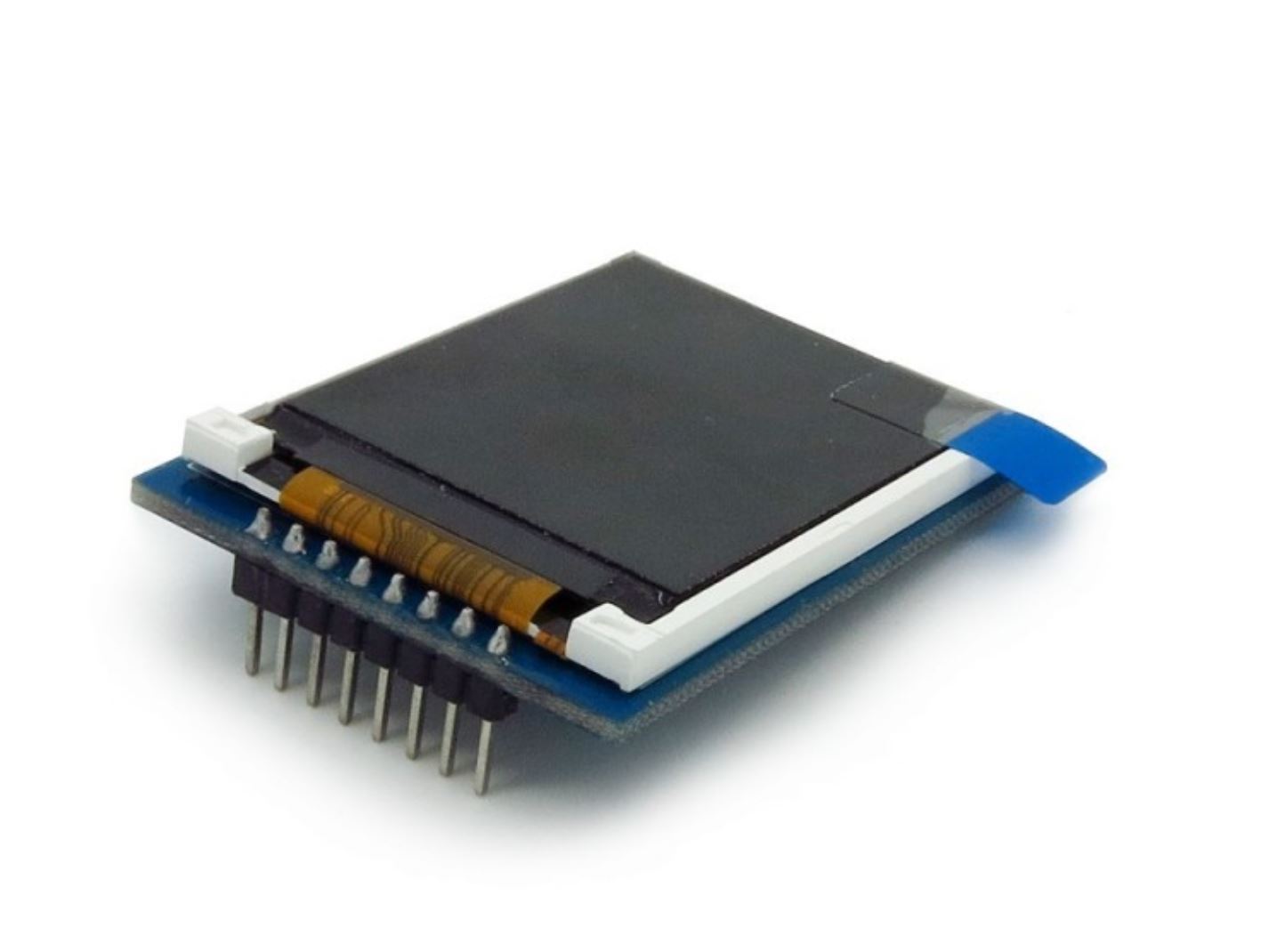
tldr: Load the font5x8.bin in the root rather than in the lib directory. Change _MADCTL in the ST7735.py folder to 0xc8 to flip BLUE and RED. How to draw text Follow the Adafruit guide here: https://learn.adafruit.com/micropython-displays-drawing-text Some notes on the implementation in Python: Load the font5x8.bin in the root folder rather than in the lib directory. Change _MADCTL register in the ST7735.py folder to 0xc8 to flip BLUE and RED if you have a green tabbed LCD ...

December 5, 2018 · 1 min

Webroots 3: Cloud Reading

The final part of this Webroots project is to read data from our sensors. This is useful because many IoT devices are intended as a means to collect data. By implementing this service, we will be able to tell the state of our room, even when we are not close by! For this tutorial, we will be reading the button presses, the light levels, and the number of times our Night Light has been turned on. ...

November 25, 2018 · 2 min

A More Precise ADC

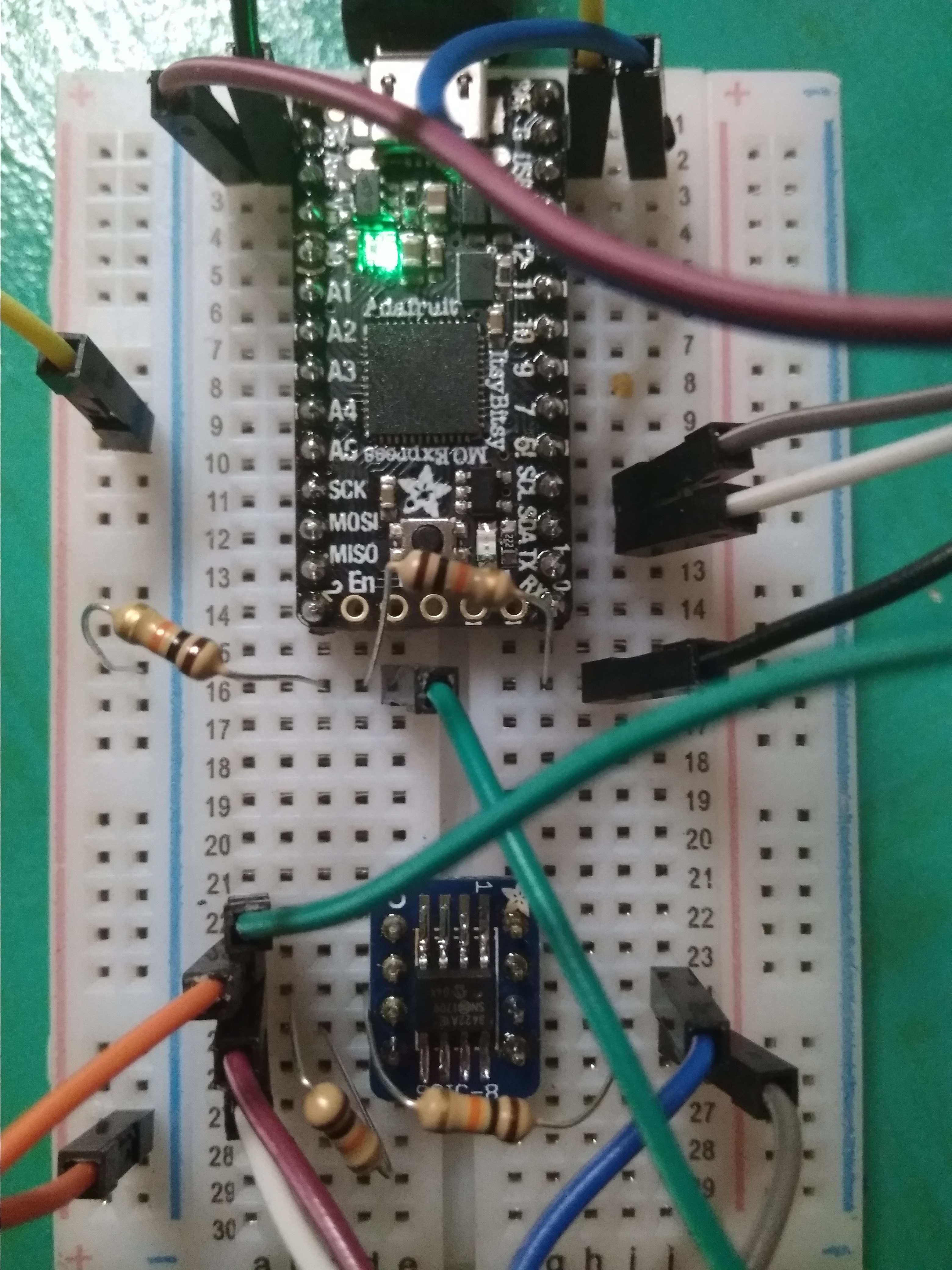
Why is this project cool? Measure tiny voltages! Without a lab bench! Set up a Wheatstone bridge! The proper question is, why isn’t it cool? Motivation Wheatstone bridges are finicky little things. But they are very useful because they transform problems. Inherent to many objects is a resistance, and often, this depends on a thing that we want to measure, such as temperature and strain. However, the problem is that these changes in resistances are very small, and measuring them directly is not practical, because large currents would be required to have an appreciable change in voltage. ...

November 22, 2018 · 5 min

Custom Keyboard

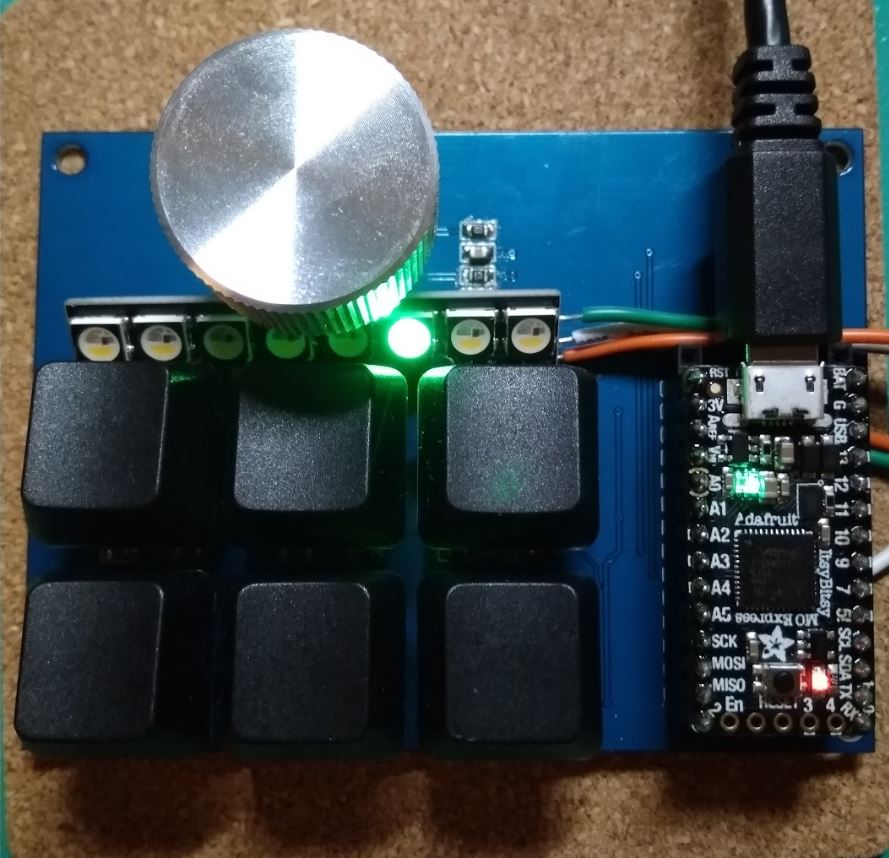
This was a quick and simple build. I wanted to play around with some Cherry MX keys, the ones used on gaming keyboards, and I decided the best application would be to customize each key press on my tiny keyboard to register as a series of strokes. The microcontroller here used is the Itsy Bitsy from Adafruit, currently the cheapest, and the best implementation of an easily accessible microcontroller on the market. Programming is done via python, and this microcontroller emulates a keyboard, so when I depress a button on my tiny keyboard, the microcontroller actually sends a pre-set number of keystrokes (as if I was typing really quickly on an external keyboard) to the computer. ...

November 20, 2018 · 2 min

Learn how to solder!

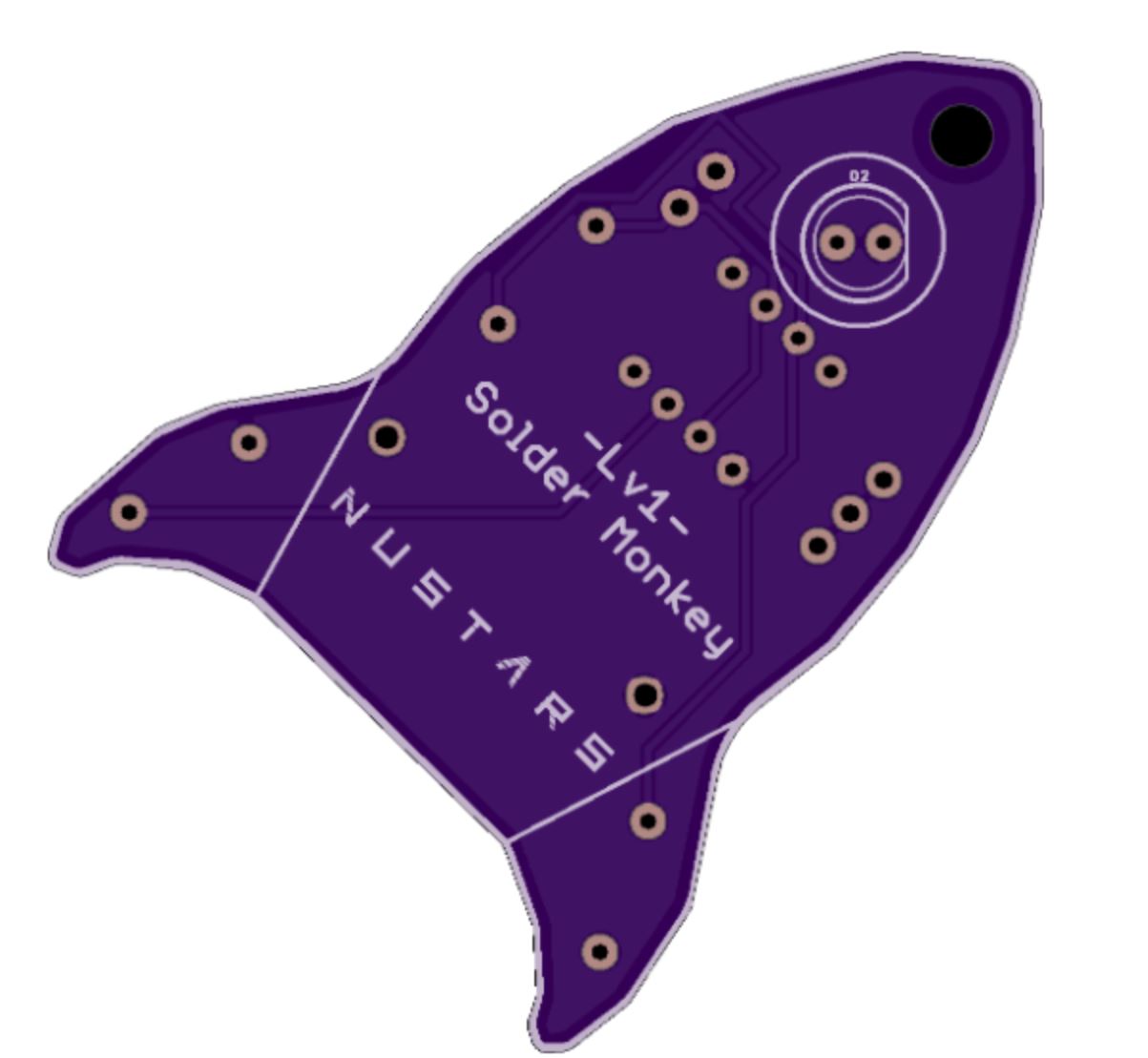
I like soldering and occasionally I have to teach people how to solder. However, when people first learn how to solder, you don’t want those joints on production systems. My solution has always been to pull out old PCBs, which come in stacks of 10 and have them learn how to solder random joints/wires together. However, the issue is that without something to call their own, most participants aren’t very interested in soldering after their first few joints, and I often end up with a pile of PCBs that I have to throw away. ...

November 18, 2018 · 2 min

Programming Tips

This is a list of python tips and techniques that I have run across when using this language. It also serves as a quick reminder/refresher page for me. It is a mix of general python and python in Jupyter. Lists Count the total number of unique items in list A = {} for i in my_list: A[i] = i len(A) Count each unique item in list A = {} for i in mylist: if i not in A: A[i]=1 else: A[i]=A[i]+1 print(A) Jupyter Plotting in Jupyter In order to plot inline, use the following ...

November 12, 2018 · 1 min

Webroots 2: Viewing things

With an OLED screen you can view quite a number of things, and with two buttons you can switch between views. It is also much easier to interpret things when they aren’t blinking LED lights. In this case we want to view the state that the plant is in. Firstly we will attempt to read and display the data of a light sensor on the screen. Wiring We will first need to wire it up. Your OLED screen should have 4 labeled lines. GND, VDD/VCC, SCK, SDA. You will connect these pins to the corresponding pins on the ESP8266 module, which can be found here: Chip Capabilities. However note that in this case since it is I2C, SCK is SCL, and it might be labeled wrongly on the display. ...

November 11, 2018 · 3 min

Webroots 3: Server On a Chip

I previously hinted that the ESP8266 was capable of much more and that includes being able to run a server. It is able to turn itself into a tiny WiFi hotspot and serve a basic webpage. This avoids the hassle of looking for an access point for the ESP8266 if you just want to connect directly to it to toggle some pins. We will require a library: #include <ESP8266WiFi.h> #include <Adafruit_NeoPixel.h> We want to be able to read data as well as run our NeoPixel ring. We will also have to create a server by creating a new object. ...

November 1, 2018 · 3 min

Some lessons on writing web-interface scripts

These are some impressions and lessons that I learned from writing a few scripts that access web-interfaces over the last few weeks. Automated login forms are hard. Use cookies. Not all websites provide their login interfaces with a webpage or an easily accessible form. Some use overlays and this can make it hard to access automatically. Luckily, many of them allow you to Remember Me which then allows you to use cookies to access the webpage once you have logged in manually once. For Firefox, access to the profile would give you the cookie, and in Selenium, the code would be:path = "C:\\Users\\[username]\\AppData\\Roaming\\Mozilla\\Firefox\\Profiles\\[profile]"fox_profile = webdriver.FirefoxProfile(path)``driver = webdriver.Firefox(fox_profile)This will load the profile that you would normally use with Firefox. Learn your CSS selectors. This is extremely helpful if you are trying to pick out an element for testing. Some elements are buried under a whole mess of <divs> that make selection via the absolute path really tedious. The best method is to look out for classes and use CSS selectors to pick out the precise tag that you wanted. Installing geckodriver is annoying.wget [https://github.com/mozilla/geckodriver/releases/download/v0.18.0/geckodriver-v0.18.0-linux64.tar.gz](https://github.com/mozilla/geckodriver/releases/download/v0.18.0/geckodriver-v0.18.0-linux64.tar.gz)tar -xvzf geckodriver*chmod +x geckodriverIn the .bashrc file:export PATH=$PATH:/path-to-extracted-file/geckodriver

September 13, 2018 · 1 min

SMD soldering techniques

SMD soldering can be pretty intimidating! After almost about a year of soldering SMD components, I think I finally managed to nail down the best method for hand soldering SMD components. You will need: A rework station A soldering iron with a sharp tip and a beveled tip Flux Thin solder (0.5mm) Solder paste Desoldering wire/braid Resistors and Capacitors For capacitors and resistors, a blob of solder paste on the board covering the pads usually does the trick. Because of surface tension, your solder paste can even cover both pads and it will still work. However, a drawback is that there will be tiny beads of solder left behind. You can try to push the beads towards the pads with a tweezer or clean it up later. ...

August 15, 2018 · 3 min