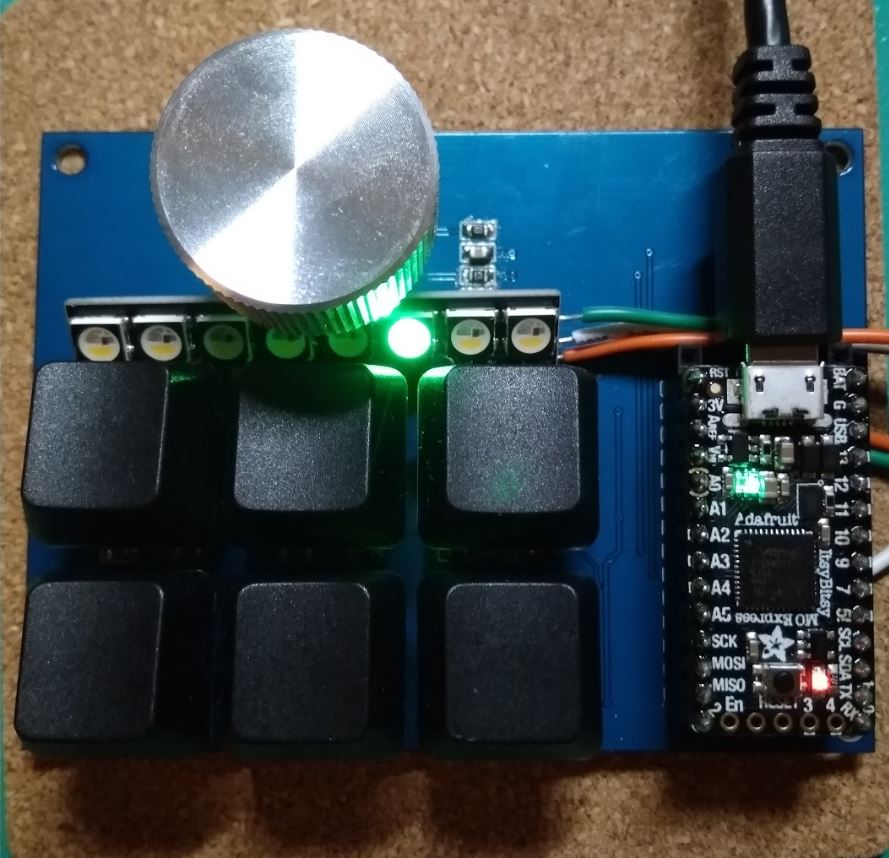
Custom Keyboard

This was a quick and simple build. I wanted to play around with some Cherry MX keys, the ones used on gaming keyboards, and I decided the best application would be to customize each key press on my tiny keyboard to register as a series of strokes. The microcontroller here used is the Itsy Bitsy from Adafruit, currently the cheapest, and the best implementation of an easily accessible microcontroller on the market. Programming is done via python, and this microcontroller emulates a keyboard, so when I depress a button on my tiny keyboard, the microcontroller actually sends a pre-set number of keystrokes (as if I was typing really quickly on an external keyboard) to the computer. ...

November 20, 2018 · 2 min

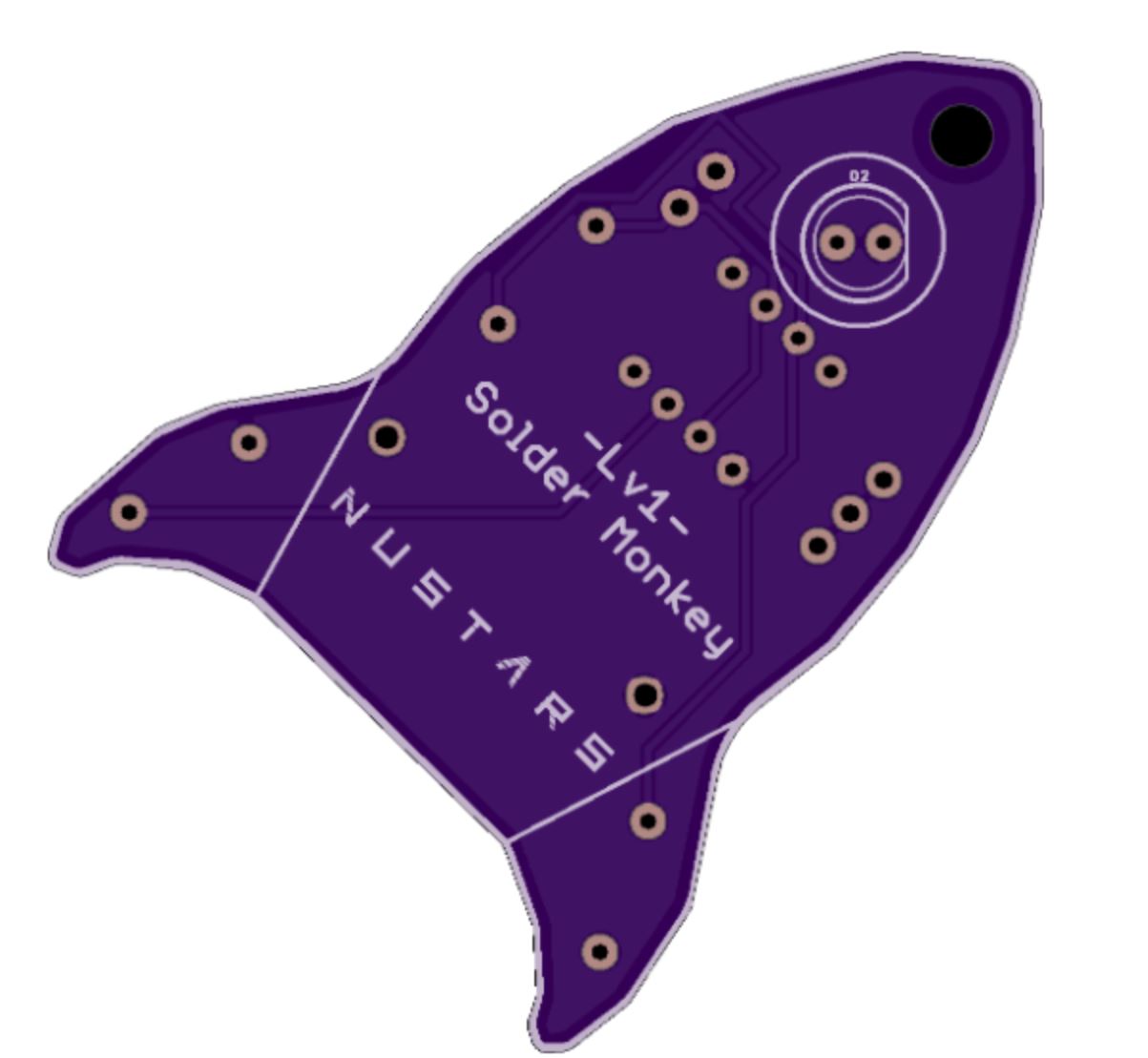
Learn how to solder!

I like soldering and occasionally I have to teach people how to solder. However, when people first learn how to solder, you don’t want those joints on production systems. My solution has always been to pull out old PCBs, which come in stacks of 10 and have them learn how to solder random joints/wires together. However, the issue is that without something to call their own, most participants aren’t very interested in soldering after their first few joints, and I often end up with a pile of PCBs that I have to throw away. ...

November 18, 2018 · 2 min

Programming Tips

This is a list of python tips and techniques that I have run across when using this language. It also serves as a quick reminder/refresher page for me. It is a mix of general python and python in Jupyter. Lists Count the total number of unique items in list A = {} for i in my_list: A[i] = i len(A) Count each unique item in list A = {} for i in mylist: if i not in A: A[i]=1 else: A[i]=A[i]+1 print(A) Jupyter Plotting in Jupyter In order to plot inline, use the following ...

November 12, 2018 · 1 min

Webroots 2: Viewing things

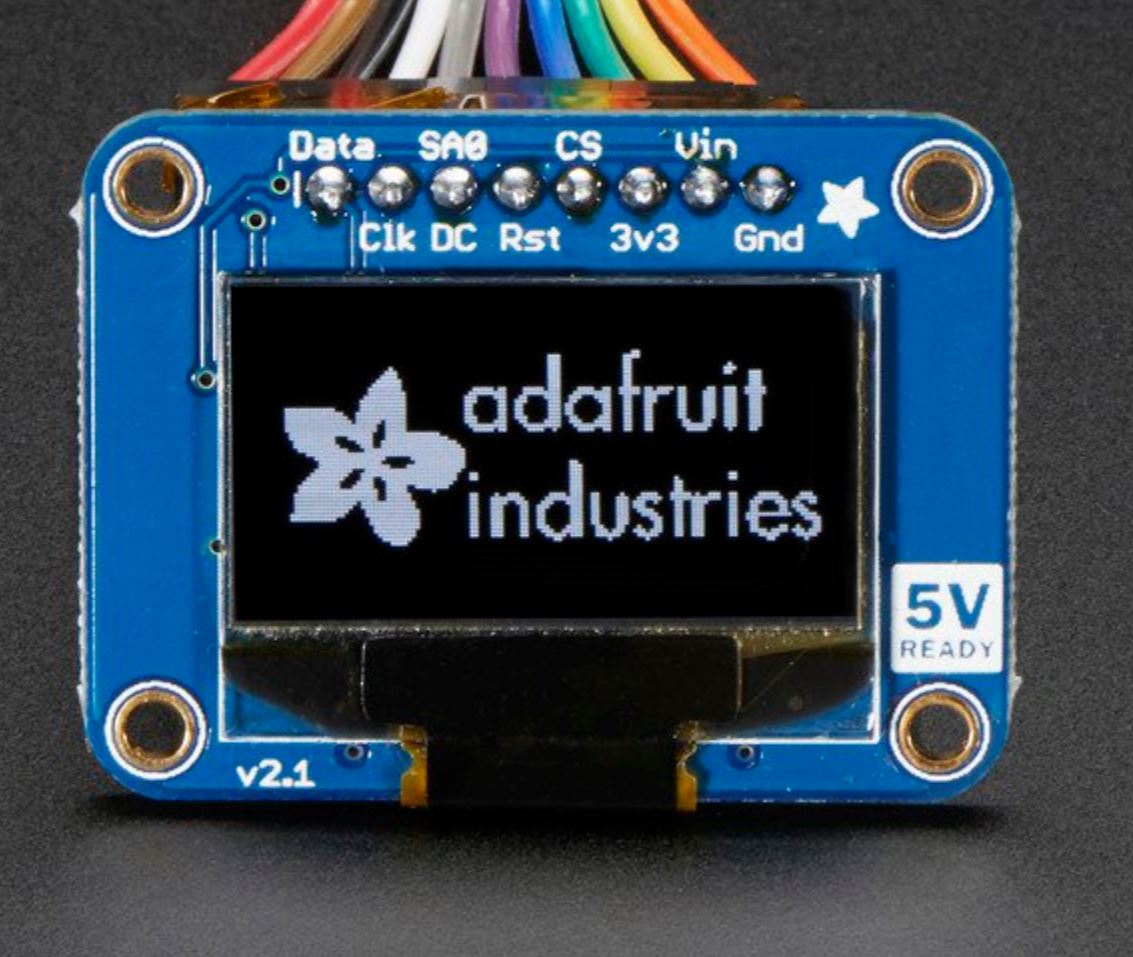
With an OLED screen you can view quite a number of things, and with two buttons you can switch between views. It is also much easier to interpret things when they aren’t blinking LED lights. In this case we want to view the state that the plant is in. Firstly we will attempt to read and display the data of a light sensor on the screen. Wiring We will first need to wire it up. Your OLED screen should have 4 labeled lines. GND, VDD/VCC, SCK, SDA. You will connect these pins to the corresponding pins on the ESP8266 module, which can be found here: Chip Capabilities. However note that in this case since it is I2C, SCK is SCL, and it might be labeled wrongly on the display. ...

November 11, 2018 · 3 min

Webroots 3: Server On a Chip

I previously hinted that the ESP8266 was capable of much more and that includes being able to run a server. It is able to turn itself into a tiny WiFi hotspot and serve a basic webpage. This avoids the hassle of looking for an access point for the ESP8266 if you just want to connect directly to it to toggle some pins. We will require a library: #include <ESP8266WiFi.h> #include <Adafruit_NeoPixel.h> We want to be able to read data as well as run our NeoPixel ring. We will also have to create a server by creating a new object. ...

November 1, 2018 · 3 min

Some lessons on writing web-interface scripts

These are some impressions and lessons that I learned from writing a few scripts that access web-interfaces over the last few weeks. Automated login forms are hard. Use cookies. Not all websites provide their login interfaces with a webpage or an easily accessible form. Some use overlays and this can make it hard to access automatically. Luckily, many of them allow you to Remember Me which then allows you to use cookies to access the webpage once you have logged in manually once. For Firefox, access to the profile would give you the cookie, and in Selenium, the code would be:path = "C:\\Users\\[username]\\AppData\\Roaming\\Mozilla\\Firefox\\Profiles\\[profile]"fox_profile = webdriver.FirefoxProfile(path)``driver = webdriver.Firefox(fox_profile)This will load the profile that you would normally use with Firefox. Learn your CSS selectors. This is extremely helpful if you are trying to pick out an element for testing. Some elements are buried under a whole mess of <divs> that make selection via the absolute path really tedious. The best method is to look out for classes and use CSS selectors to pick out the precise tag that you wanted. Installing geckodriver is annoying.wget [https://github.com/mozilla/geckodriver/releases/download/v0.18.0/geckodriver-v0.18.0-linux64.tar.gz](https://github.com/mozilla/geckodriver/releases/download/v0.18.0/geckodriver-v0.18.0-linux64.tar.gz)tar -xvzf geckodriver*chmod +x geckodriverIn the .bashrc file:export PATH=$PATH:/path-to-extracted-file/geckodriver

September 13, 2018 · 1 min

SMD soldering techniques

SMD soldering can be pretty intimidating! After almost about a year of soldering SMD components, I think I finally managed to nail down the best method for hand soldering SMD components. You will need: A rework station A soldering iron with a sharp tip and a beveled tip Flux Thin solder (0.5mm) Solder paste Desoldering wire/braid Resistors and Capacitors For capacitors and resistors, a blob of solder paste on the board covering the pads usually does the trick. Because of surface tension, your solder paste can even cover both pads and it will still work. However, a drawback is that there will be tiny beads of solder left behind. You can try to push the beads towards the pads with a tweezer or clean it up later. ...

August 15, 2018 · 3 min

Projects, Summer 2018

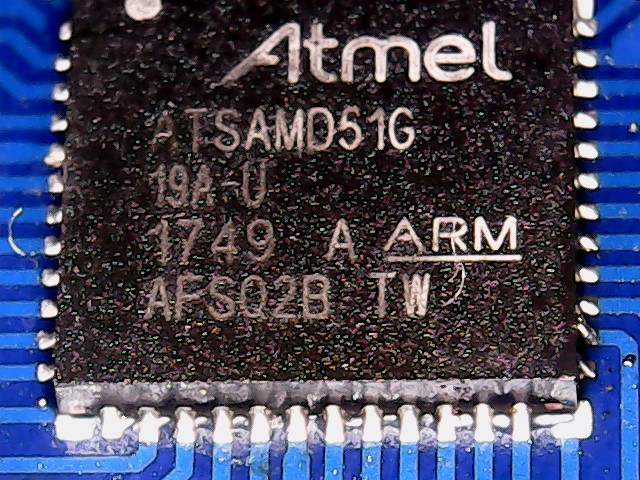
Projects! Yay! SAMD51 Breakout Since Microchip has not yet released a breakout board for the SAMD51 or an Xplained Board, I decided to build my own as well as brush up on my QFN soldering skills. Not too bad a job if I do say so myself! A closeup: Rocketry Altimeter Project I wanted to build an altimeter for my own rocket, so I embarked on this project. The hardest part I think is the soldering of the BNO055 IC which is both expensive and incredibly difficult to solder, with all its pads hidden under the IC, so there is no visual way of inspecting the solder connection. The best I can do is to ensure that ther are no shorts between the pins that I have broken out. However, my first attempt has been rather successful. ...

August 15, 2018 · 10 min

How to Remove/Exclude ANY SITE from your Google Searches PERMANENTLY

Edit: A typo corrected by a very kind suggestion from Adam Flynn. This method requires no installation of any addons nor does it require you to prepend any operators manually each time you search. This method modifies the built-in search bar of Chrome and automatically prepends a search operator that removes any domains associated with Pinterest, Chegg, Quora or any website that you want to remove from your searches. This can be very useful if you are searching for information but the top results are choked with websites that require a subscription to use. It is also more convenient than prepending an operator each time you want to perform a search, especially if there are multiple websites you want to exclude from your search each time. ...

August 13, 2018 · 3 min

Sorry, because of it's privacy settings, this video cannot be played here.

To fix this problem check the addons you might be running. Usually addons that modify cookies are the culprit. If you have Privacy Badger, disabling it helps. Also check Chrome settings to change privacy settings if necessary. If all else fails, try switching to a different browser to see if it works. This usually occurs with Vimeo videos.

August 7, 2018 · 1 min