Prerequisites
- Install Inkscape
- Download SVG2Shenzhen - https://github.com/badgeek/svg2shenzhen
Install
- Follow the instructions on installing SVG2Shenzhen to Inkscape.
Use
- SVG2Shenzhen allows you to create vector drawings on multiple layers of KiCAD.
- Start at 1. Prepare Document where you select the layers that SVG to Shenzhen will add to your module.
- Draw on each layer as needed
- Go to 2. Export to KiCAD - select the folder that you want to save the module to, and save as module. Leave the other options at default values. Hit apply.
- Open KiCAD, and add the Module as the footprint library under preferences
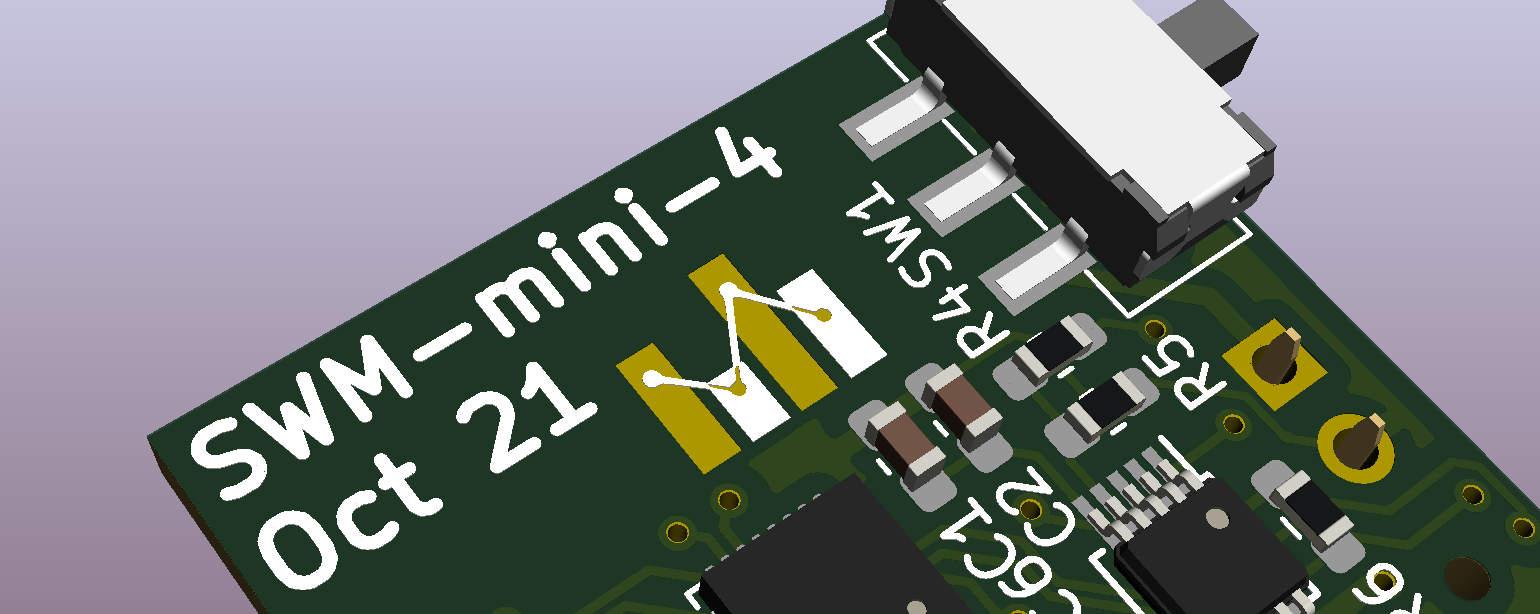
- Go to PCBnew and add the footprint of the image to the board.
And that’s it!
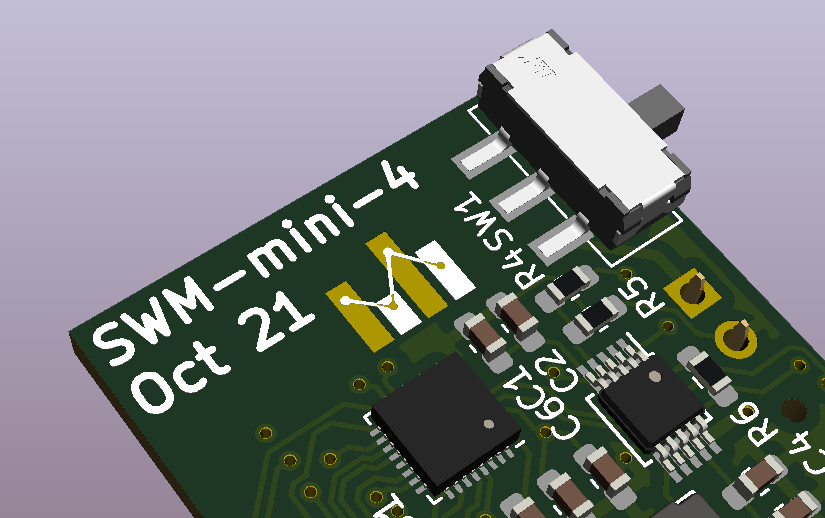
Added a graphic onto the board