Automating my home with MQTT

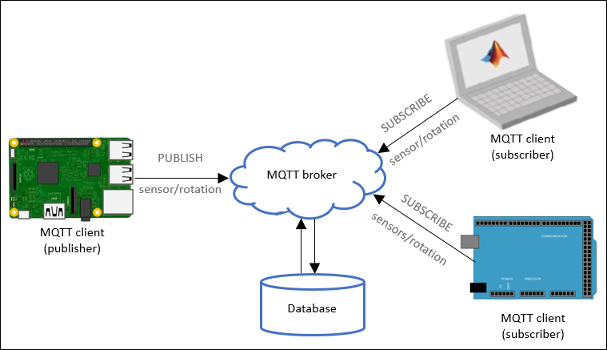
How I automated my home with MQTT. This started when I decided to implement an Network Attached Storage to use a hard drive that I had lying around as a DIY solution to Dropbox’s capping of devices. My project worked perfectly, but it seemed like such a waste leaving a Raspberry Pi 3B+ running constantly to manage an NAS that I don’t use all that often. So I decided to start on a project to automate and collect data around my room. Besides, I have an embarrassment of Raspberry Pis’ that are just waiting to put into service. ...

August 10, 2019 · 6 min

Raspberry Pi NAS in 2020

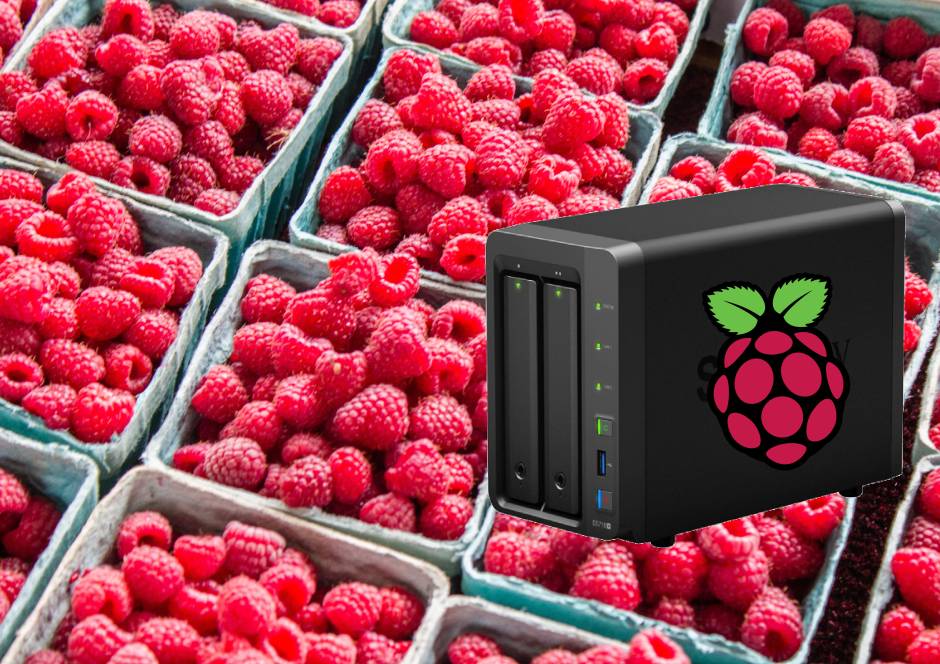
Tldr; Build a local Dropbox-like system on a Raspberry Pi without spending hundreds on a dedicated NAS (Network attached storage). [Updated for 2020] In 2019, Dropbox limited the number of devices you can connect in a free account, and as someone who has multiple computers (don’t ask), this made me pause. I was happy living on the 5GB from Dropbox for many years. Did I really need to upgrade to a 1TB (2TB as of 2020) cloud storage solution? ...

July 14, 2019 · 6 min

Notes from People, Power, and Profits

For future reference Telling people to find a new job if they are not satisfied with their current one is not helpful. If they could, they would. Often the reason why they can’t change jobs are due to existing commitments, inability to relocate, or the lack of funds to do so. Appeals to morals and values. More commentary than discussion of the facts. Many unsupported assertions. The government should play an active role in providing alternatives in education, healthcare, and finance. The coupling of political interests and economics in the US is very strong. Frequently uses the phrase ‘one dollar one vote’. Thoughts I found this book to be too narrowly focused on the now. While it does a good job of tying together politics and economics, there is a lot of commentary on the current US administration. This book is good for those who want to understand US as it currently is, but the solutions and comments laid out here are very specific to US today.

July 13, 2019 · 1 min

Sunbar

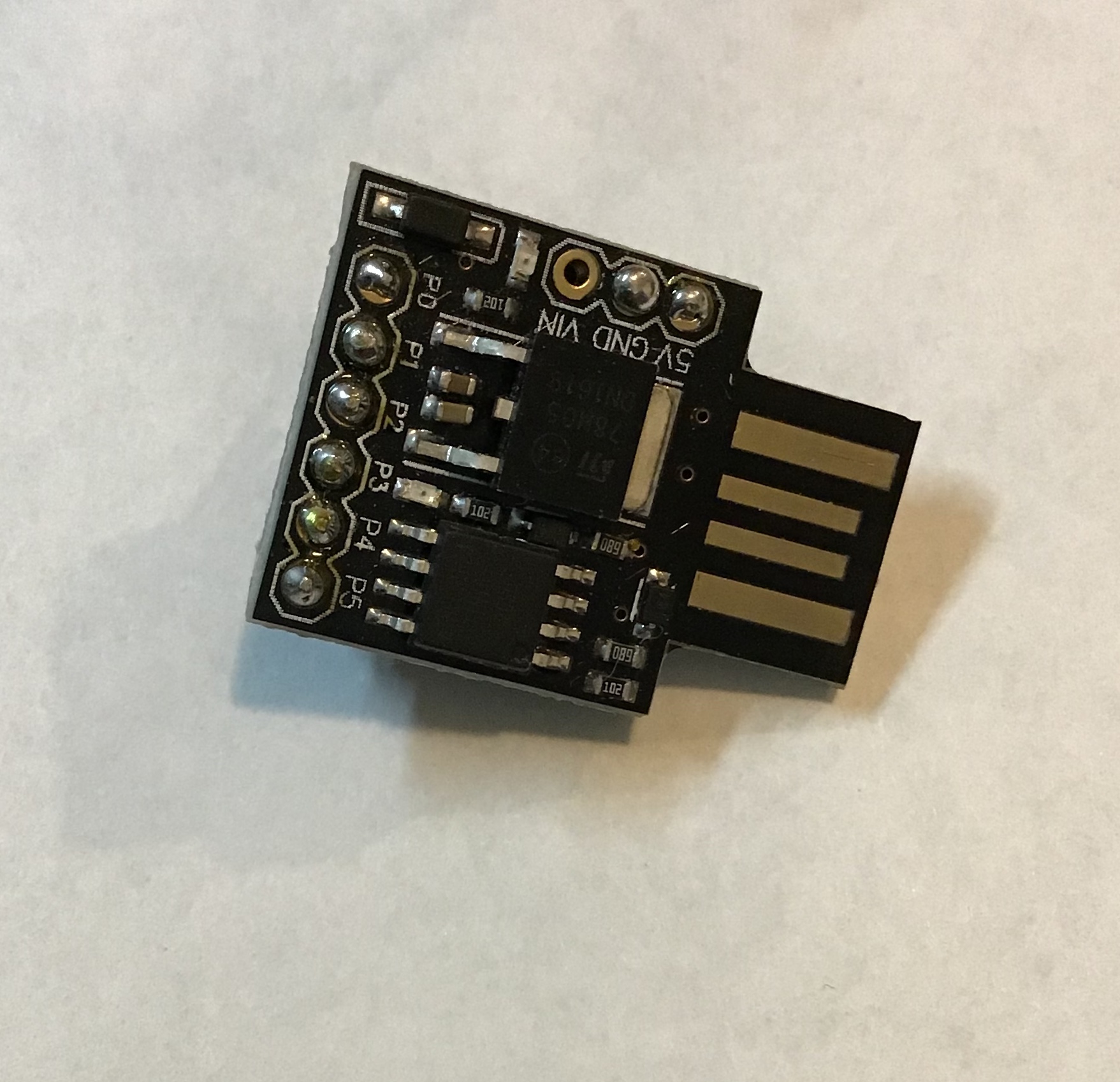
The SunBar is light alarm, following my development of light-based alarms which I have found to be quite effective in establishing a set routine of waking up early. The earlier versions were based off: a breadboarded circuit, a protoboard circuit with an ATTiny85, and an Arduino Shield. Protoboard circuit The protoboard version was designed to take 12V and regulate it down to 5V for the ATTiny85. A N-Channel Mosfet was used to control the brightness of the LED strip. ...

June 16, 2019 · 2 min

News To Speech with AWS Polly

I love audiobooks. They allow me to enjoy books while allowing me to other tasks. However, audio content is not always available. Small snippets of news or articles are great for listening to as they don’t require much attention, but because of their transient nature, they are very rarely available in audio form. This could also benefit those who might find articles too tiring to read because of the screen or other issues that prevents them from reading digital content. ...

June 16, 2019 · 3 min

New Flight Altimeter for Model Rocketry

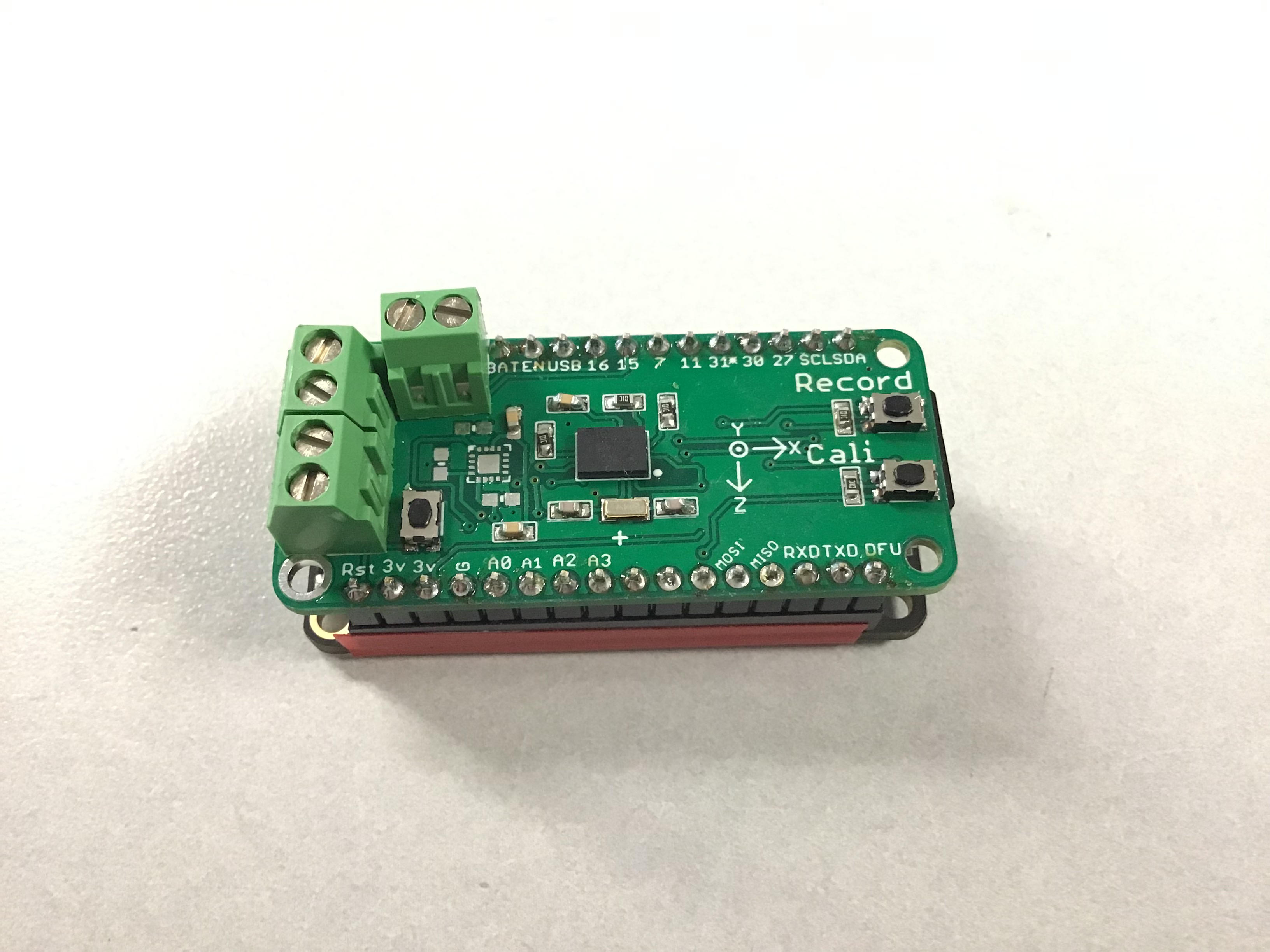
TLDR: This post documents my lessons on building a flight altimeter for model rocketry. It is built with solving a few pain points in mind: 1. Output basic diagnostic data when it is installed in the AV bay. 2. Collect orientation data. I realized that I would always use the same components for my flight computers/altimeters: 9 DOF sensor, altimeter, SD card storage. Having all of these already on a single board would prove immensely helpful. ...

June 10, 2019 · 6 min

Getting NRF Logging to work in Segger Embedded Studio

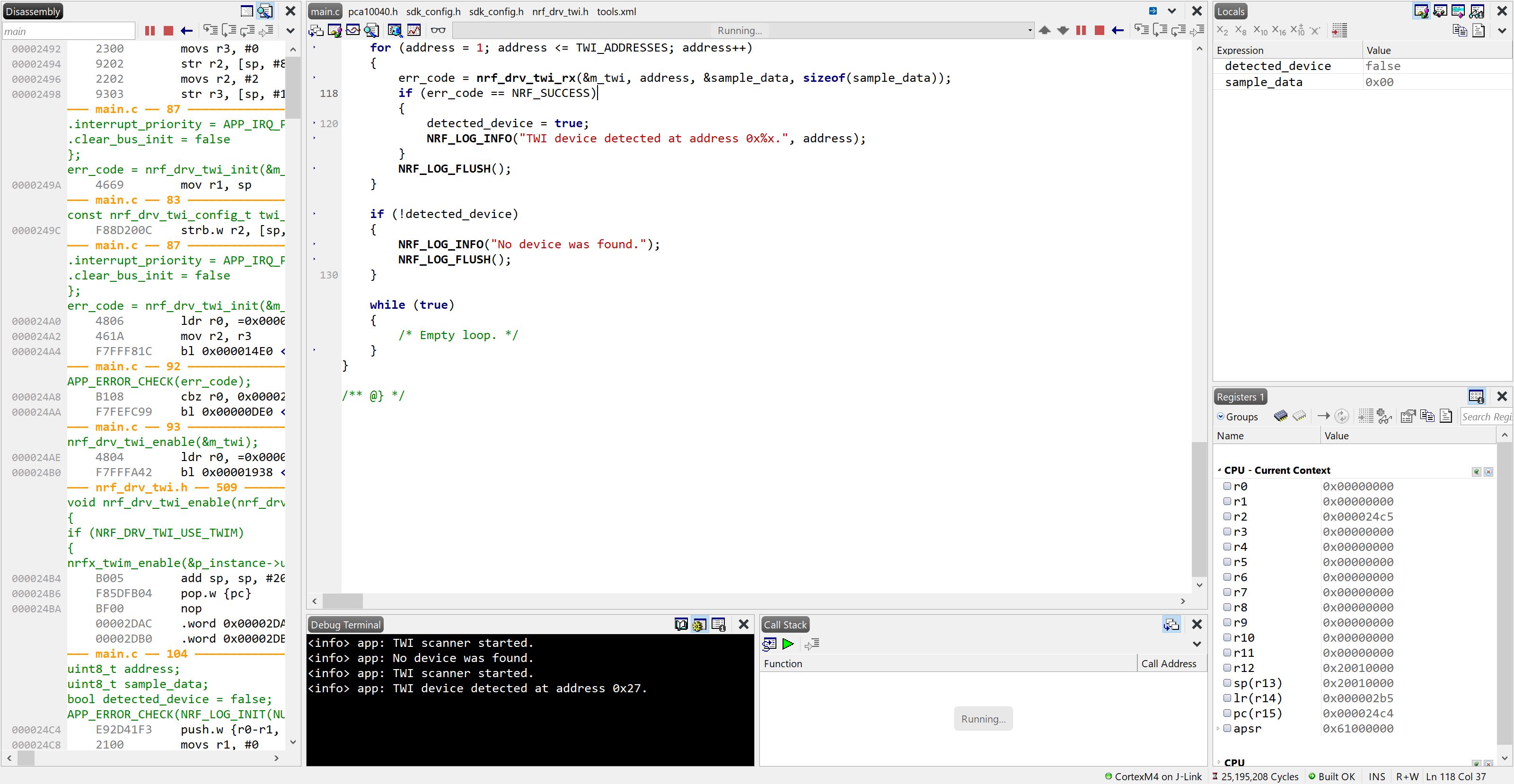
Segger Embedded Studio is a lightweight IDE that is used for Nordic devices. Getting logging to work with the 15.3 SDK has been a long journey though, so I thought I might write down my process in getting the debug terminal to print out RTT messages. Ensure flags have been set Ensure that RTT logging has been enabled in sdk_config.h: #define NRF_LOG_BACKEND_RTT_ENABLED 1 and #define NRF_LOG_ENABLED 1 Use the correct sdk_config.h For some reason the example code for the TWI scanner did not work for me, and copy-pasting code from TWI sensor for the sdk_config.h file worked. Check by launching Segger RTT viewer. If the flags have been set and the correct config file is used, then you should start to see some output. ...

May 25, 2019 · 1 min

M.O.O.S.E

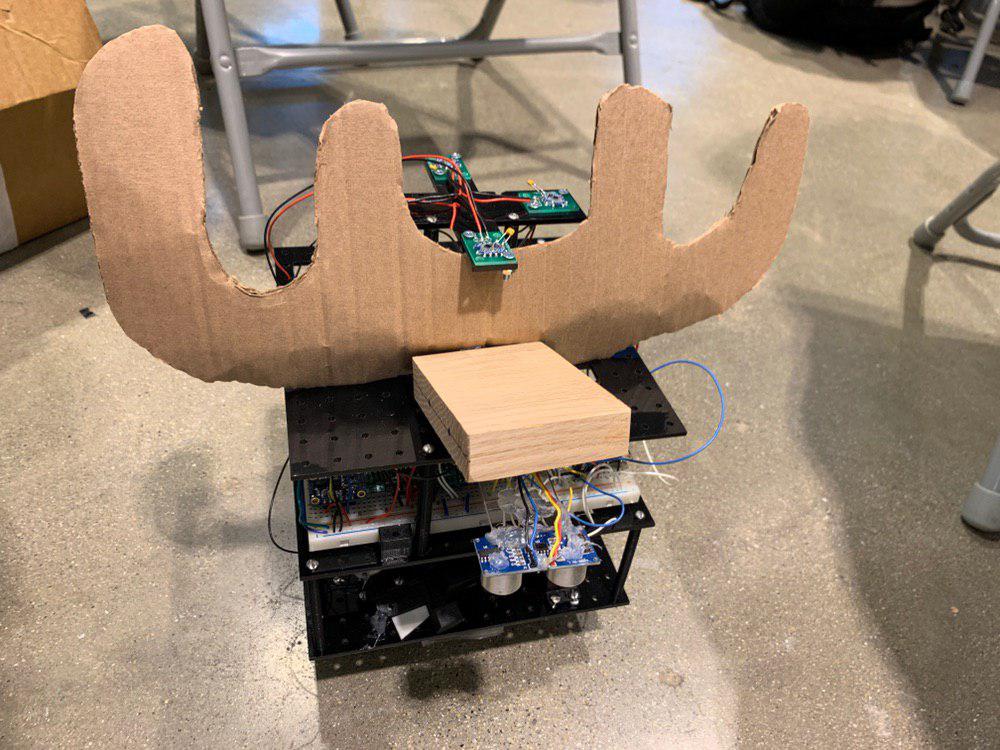
Introduction The Moose is a robot for Design Competition 2019. It is designed for configurability in mind. The base design starts with the layout of the battery and the motors to determine the land pattern of the robot. The base board uses a grid of 0.5 by 0.5 in holes designed for 4-40 screws on a piece of acrylic 7in by 7in. By using a grid pattern, it allows the components to be moved and secured in place.Each layer can be added by using standoffs, and this provides additional room to mount additional components. The bottom of the first layer includes the grabbing mechanism and the block finder module. The top of the first layer includes the motors, wheels, and battery, as well as the servo for the block finder. On the second layer the electronics are breadboarded, and on the top layer the sonar and the vive sensors are mounted. ...

May 13, 2019 · 6 min

How to program an ATtiny85 easily

This article was first written in 03/27/2017. It has been updated in 2019. The ATtiny85 is a small 8 pin DIP/SOIC microcontroller from ATMEL, now Microchip. While the limited pin-count might seem to be a limitation, however, it is perfectly suited for small tasks where a larger microcontroller would be an overkill. Some examples include reading a few sensors and toggling a light. The small footprint also allows space to be conserved on space-constrained PCB boards ...

February 24, 2019 · 5 min

The Essentials Board

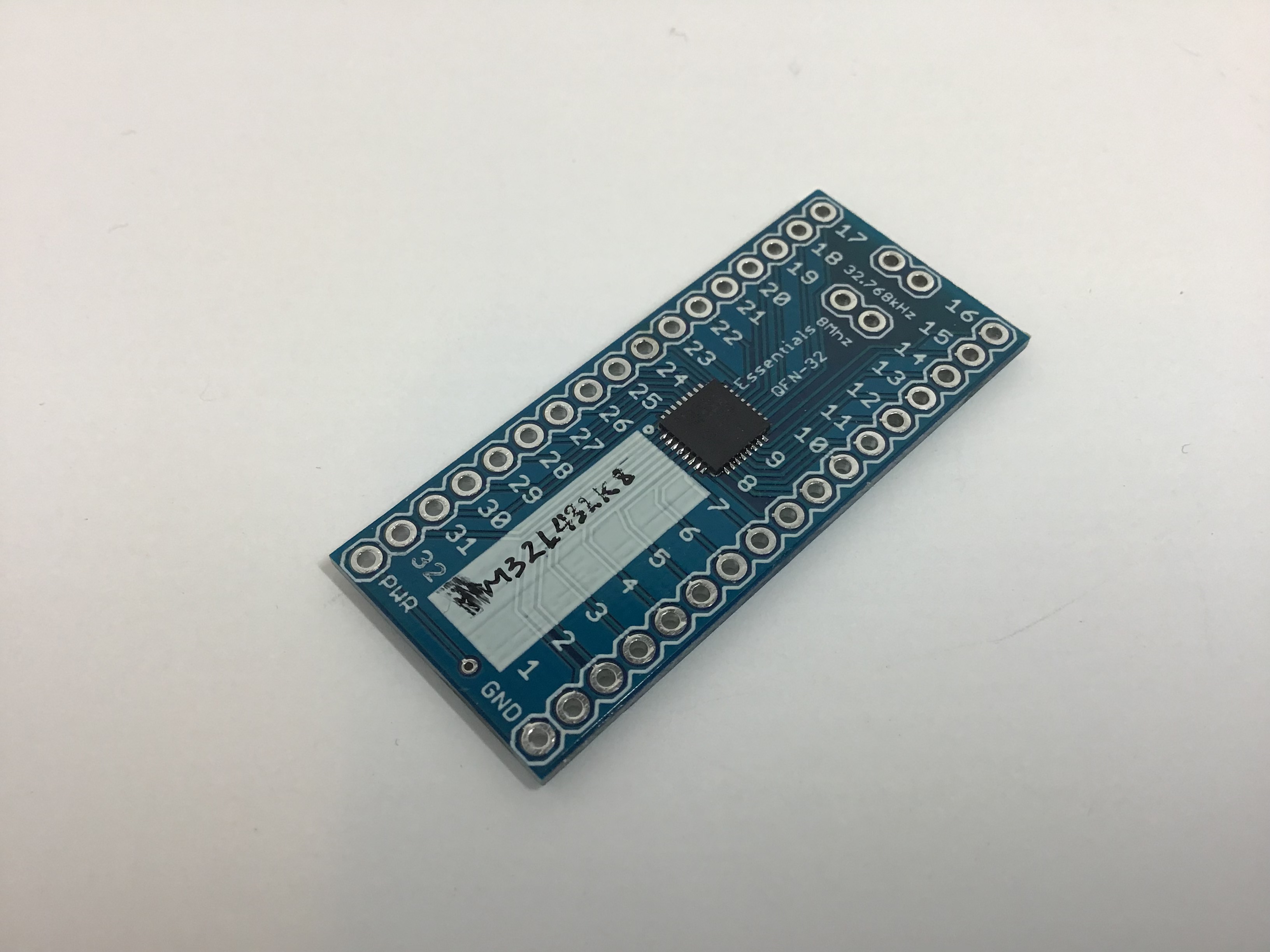
What is it? A universal breakout board for QFN and TQFP chips with integrated clock and power lines. Once this board is set up, the only things you have to breadboard are two wires: power and ground. When you remove the board, you take all the capacitor and clock connections with you. Why is it cool? **Less waste! **When you want to use the breadboard for something else, instead of throwing away the random bits of wire and capacitors, you take it with you when you remove the breakout board from the circuit. Easier setups! You don’t have to dig through the datasheet to figure out which pin has to be grounded and which has to be powered. Once you do it, it is set, so you can easily continue a project if you remove a board from a breadboard. The problem I like to try out new chips. Sampling chips is a great way for me to explore new chips and test their capabilities. ...

January 10, 2019 · 6 min